Indeed Pre-Hackathon Training
Intro 01 / 00
Pre-Hackathon Training

An hour of n8n, hands-on.

From your first node to a working AI workflow. You'll leave having built something, not just watched it.

Hands-on AI workflows Real integrations Hackathon-ready
Brought to you by
Today's plan

One hour. One workflow. Everyone ships.

Most of the hour is hands-on. We'll build a real CV-screening workflow together, node by node. The first 5 minutes set the stage; the last 10 are for questions and where to take this in the hackathon.
00:00 - 00:05
5m
Intro & ground rules
What n8n is, the do's and don'ts, the Code-node lesson, live demo of the finished workflow.
00:05 - 00:10
5m
Setup
Download the JSON, import into n8n, paste your OpenAI API key.
00:10 - 00:45
35m
Build it together
Walk through every node. Click-by-click screenshots if you fall behind.
00:45 - 00:50
5m
Test & ship
Submit a sample JD + sample CVs. Download your CSV. The wow moment.
00:50 - 01:00
10m
Q&A + extensions
Hackathon ideas, where this pattern goes next, anything you're stuck on.
If you're new to it

n8n is a visual builder for the work between your tools.

You drag nodes onto a canvas, wire them together, and the workflow runs. Each node is either a trigger (something happens), an integration (talk to Slack / Sheets / GitHub / 400 others), or a helper (transform data, branch on conditions, loop). AI nodes are first-class - built right into the same canvas.

01

Visual, not vibes

Workflows are diagrams you can read. Anyone on a team can audit what's running.

02

400+ integrations

Pre-built nodes for Slack, Sheets, GitHub, Jira, OpenAI, Anthropic, Salesforce, more.

03

Self-hosted at Indeed

Runs on Indeed's own infrastructure. Your data stays on Indeed. Service-account credentials.

From the Indeed n8n guidelines

The five things to do and the five to avoid.

Indeed's internal guidelines are explicit about how n8n is meant to be used. Before you build, read this. Especially the credential-hygiene and AI-policy lines. Full AI policy: indeedhuddle.com/huddle/company-wide-generative-ai-use-guidelines.

Do
Avoid
Build team-wide automations - workflows others rely on, not personal shortcuts.
Personal-only automations that don't benefit the broader team.
Use real use cases - connect tools that don't have native integrations.
Replacing production ETL pipelines - n8n is not for high-volume mission-critical infra.
Reinforce credential hygiene - service accounts, least privilege, rotate on ownership change.
Shared, admin, or personal credentials sprawled across workflows.
Link the AI Use Guidelines before any AI demo - every time.
Skipping AI policy context, or running AI on sensitive data outside approved channels.
Find the right node before reaching for Code. Set, IF, native integrations first.
Defaulting to the Code node. (It's the #1 used node and the #1 yellow flag.)
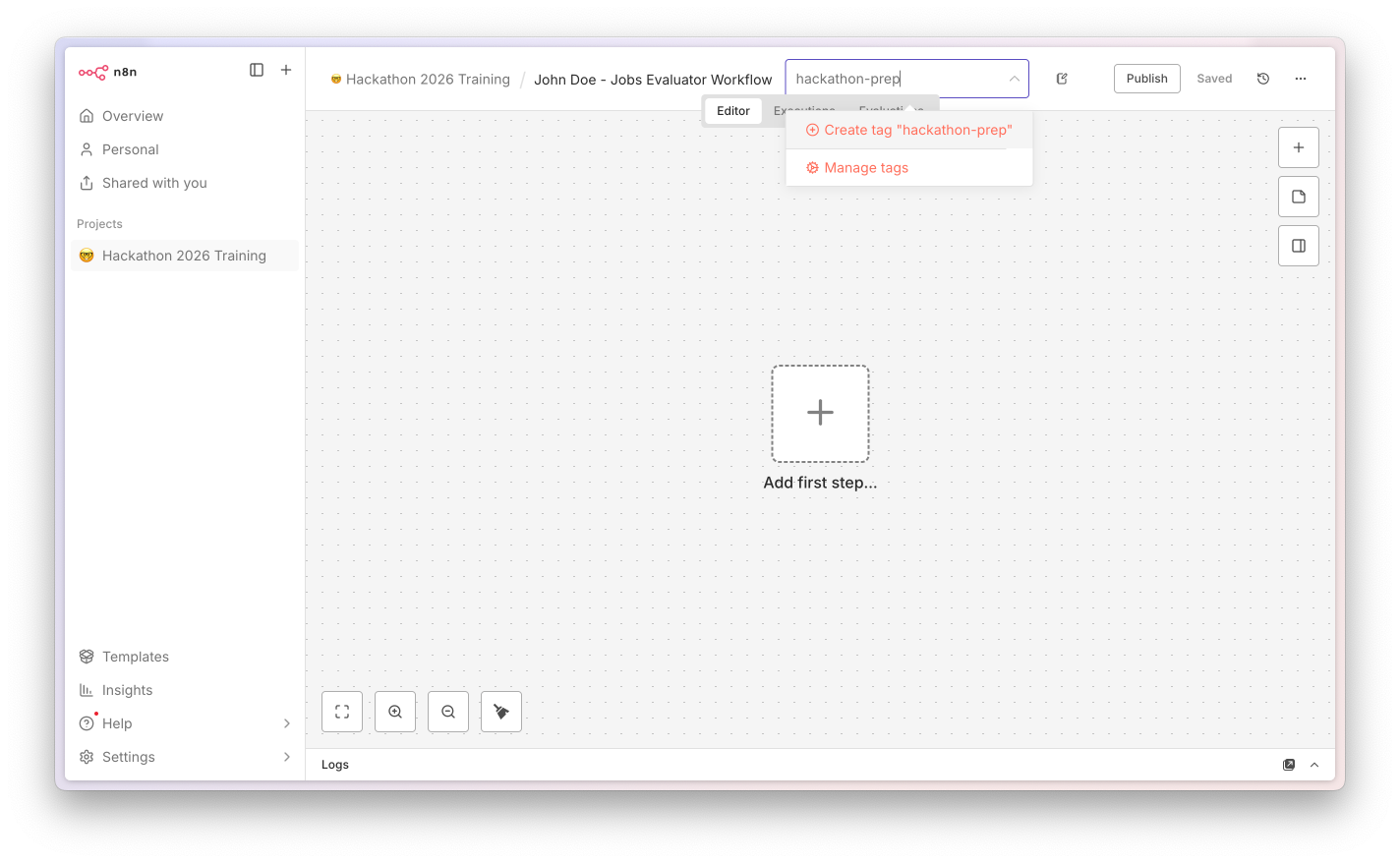
Tag your workflow hackathon-prep so the platform team can clean up after.
Publishing workflows you don't actually need active - keep test workflows unpublished.
The Code-node yellow flag

Code is #1 and that's a problem.

Top 10 nodes used across Indeed's n8n platform. The Code node is the most-used node and also the most-misused - most of the time, a purpose-built node already does the job. Reach for Set, IF, or a native integration first.

Code
1,866 flag
Manual Trigger
1,858
HTTP Request
1,171
Google Sheets
1,162
Set / Edit Fields
1,151
Sticky Note
976
IF
956
OpenAI Chat Model
843
Schedule Trigger
817
Slack
745
When Code IS the right answer: complex data transformation, utility logic, or binary handling that no built-in node covers. Our workflow today has exactly one legitimate Code node - we'll call it out when we get there.
The refactor exercise: in our walkthrough, we'll see the Flatten Output step, where a Set node does in 1 line of config what Code used to do in 9. That's the pattern: try the right node first.
Rule of thumb: if you reach for Code, ask "is there a Set, IF, or native integration that already does this?" Usually, yes.
02

What We're Building

A working CV screening workflow. Real AI. Real output. End-to-end in your browser.

The workflow at a glance

Form → AI → CSV. Eight nodes. One canvas.

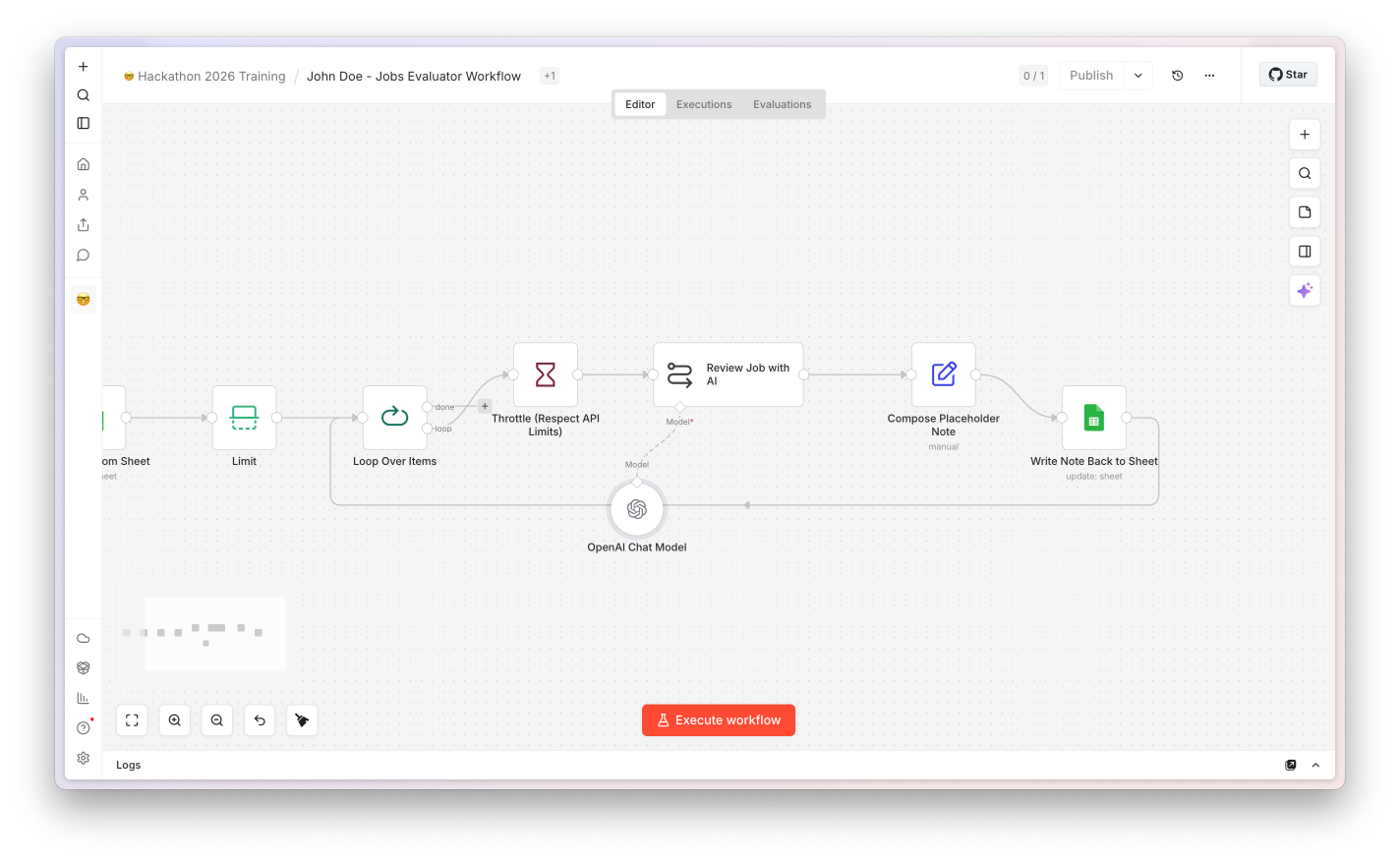
A recruiter pastes a job description and uploads a stack of CVs. The workflow extracts each CV's text, sends it to GPT with the JD, gets back a typed JSON object per candidate, and assembles a downloadable CSV with scores and one-line reasons.

Form Trigger
JD + multi-CV upload
Normalize Files
Code (legit)
Loop Over CVs
SplitInBatches
Extract PDF
Native
CV Analyser
AI Agent + Schema
Flatten Output
Set
Convert to CSV
Native
Return Download
Form completion

Why this use case?

Indeed is a job platform. CV screening is the AI workflow many of you will reach for at the hackathon - so that's the pattern we teach.
What you actually learn

Form → Loop → AI extract → Output. Apply this shape to support tickets, JD scoring, sales notes, anything with a document.
The compliance line

This is a learning demo. Real CV scoring at Indeed needs HR, legal, and EU AI Act review. We'll come back to this at the end.

Five-minute setup

Three things, then we're building.

If you came with the pre-workshop checklist done, you can skip ahead. If not, the next slide has the JSON for download - work through these in order.

1

Download the starter JSON

Next slide has the download. It's the full CV AI Screener workflow - you'll import it, then we walk through every node together.

2

Import into your n8n

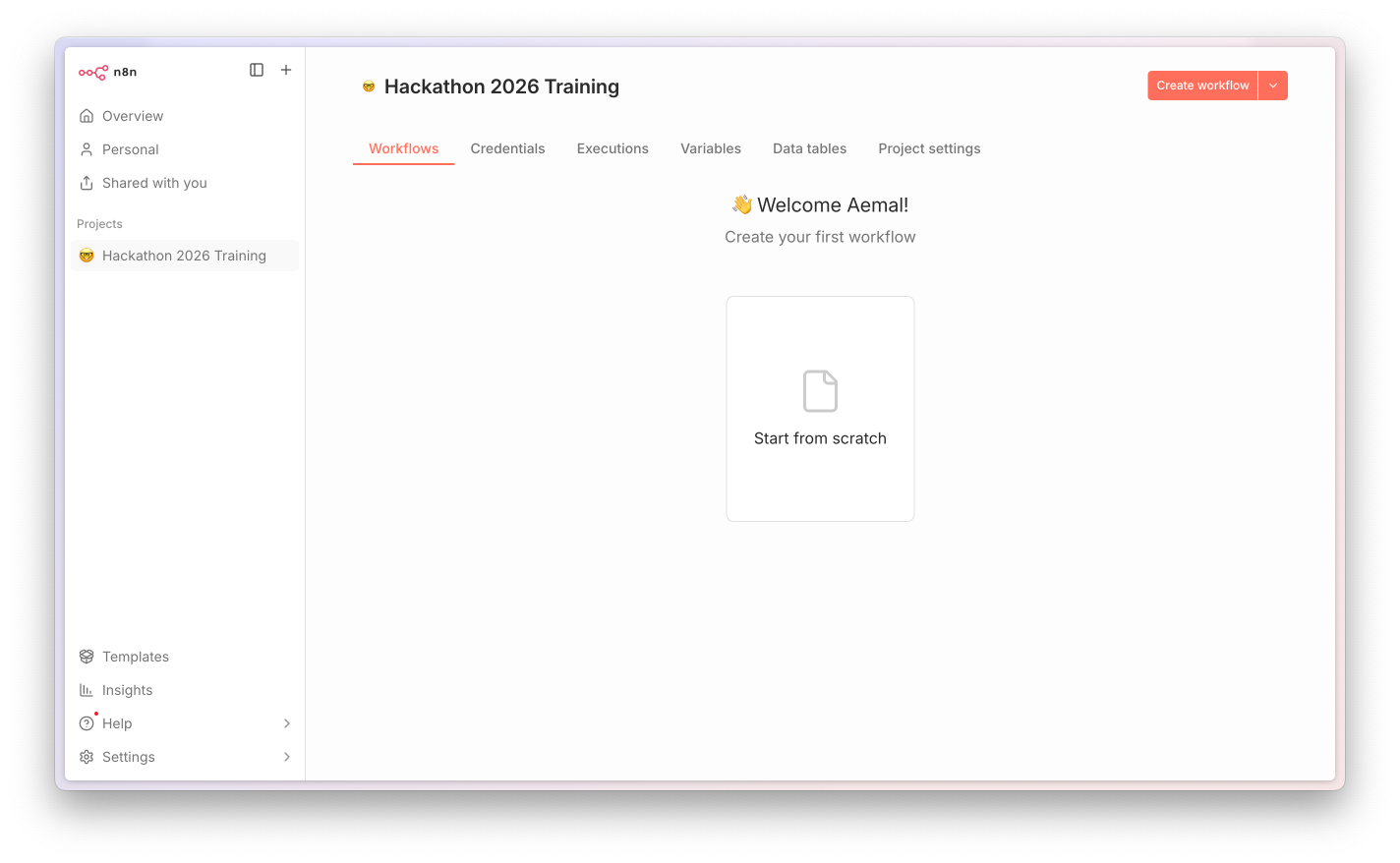
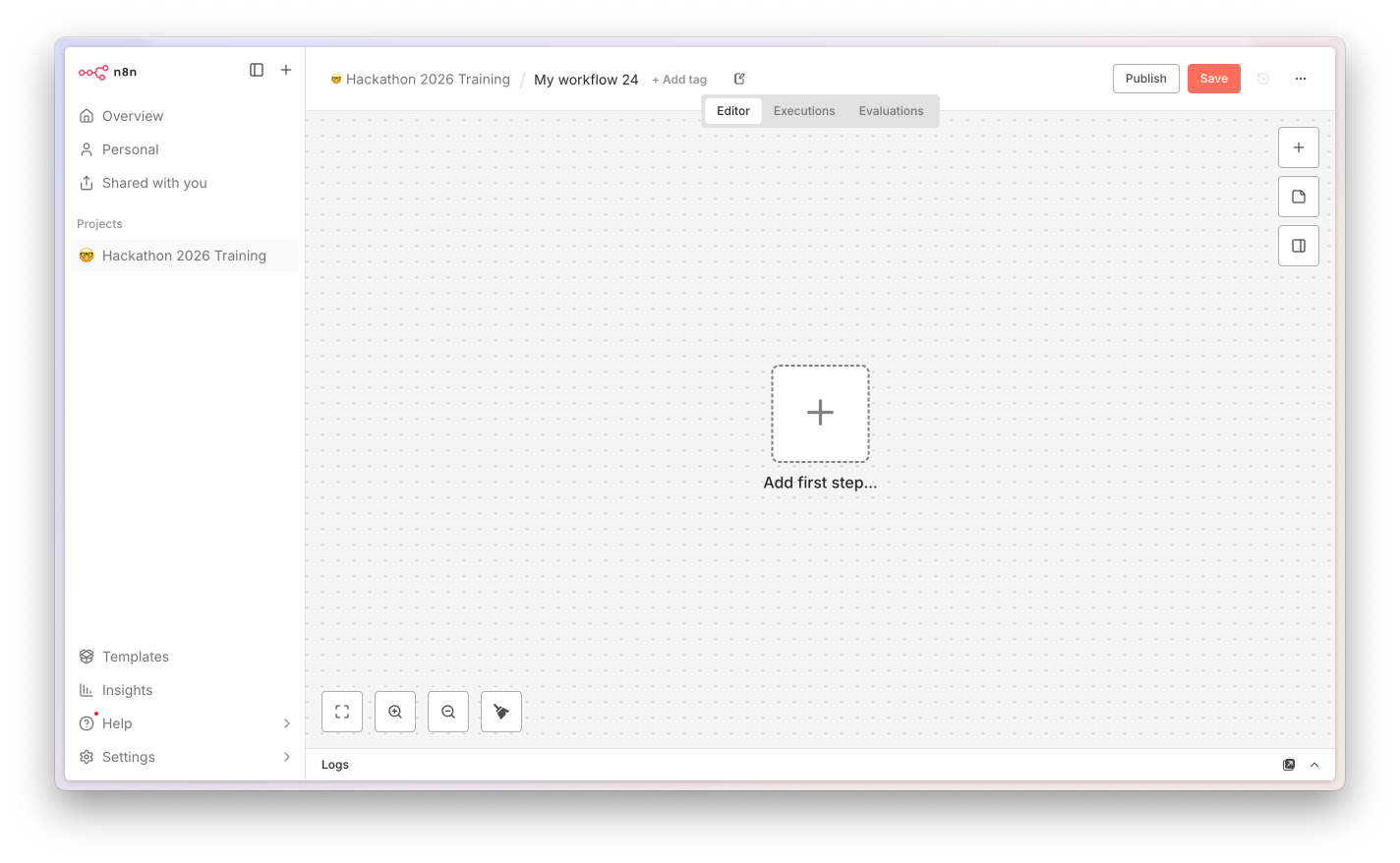
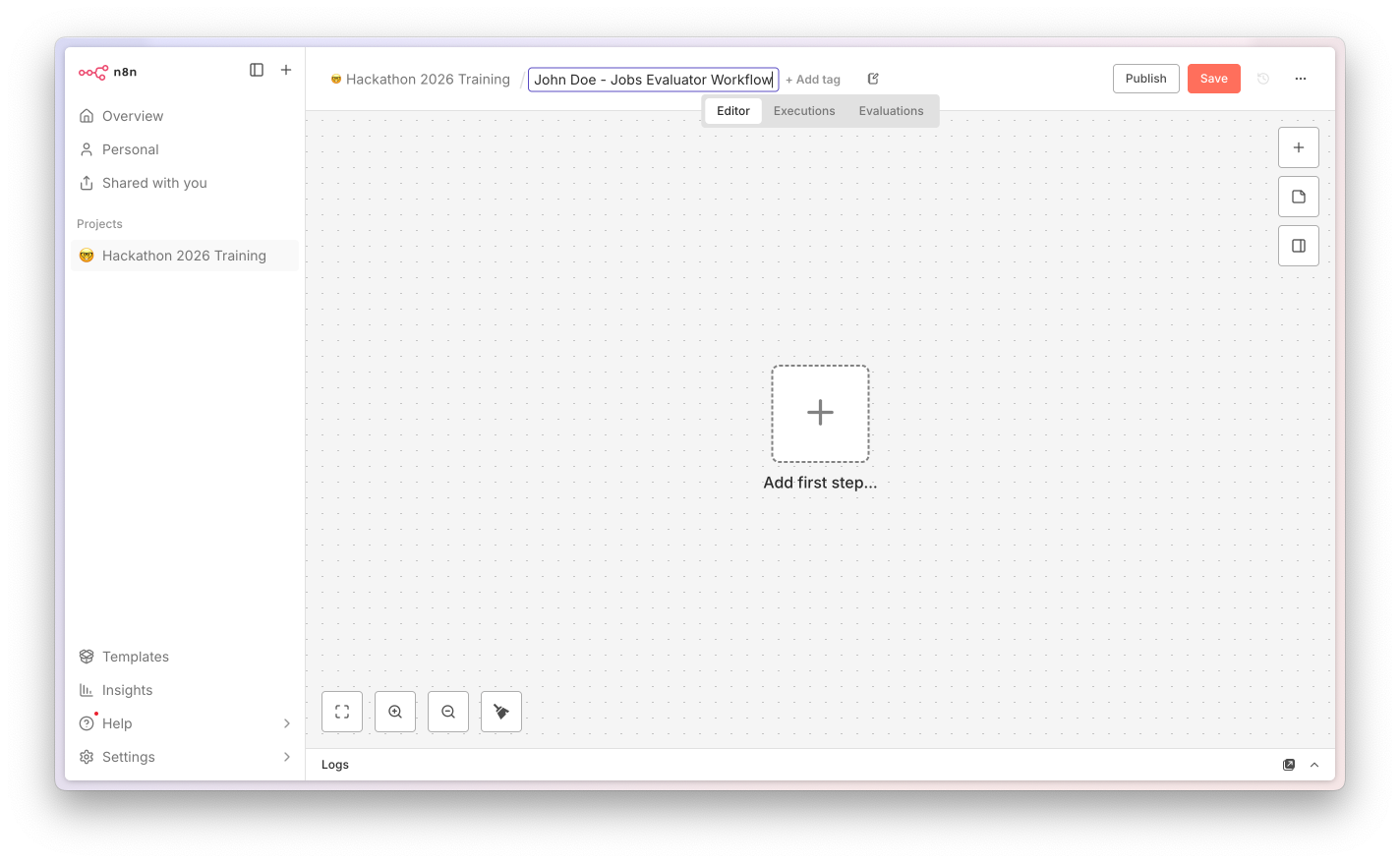
In n8n: + → Import workflow, pick the JSON file. Tag it hackathon-prep so the platform team can clean up after.

3

Add your OpenAI key

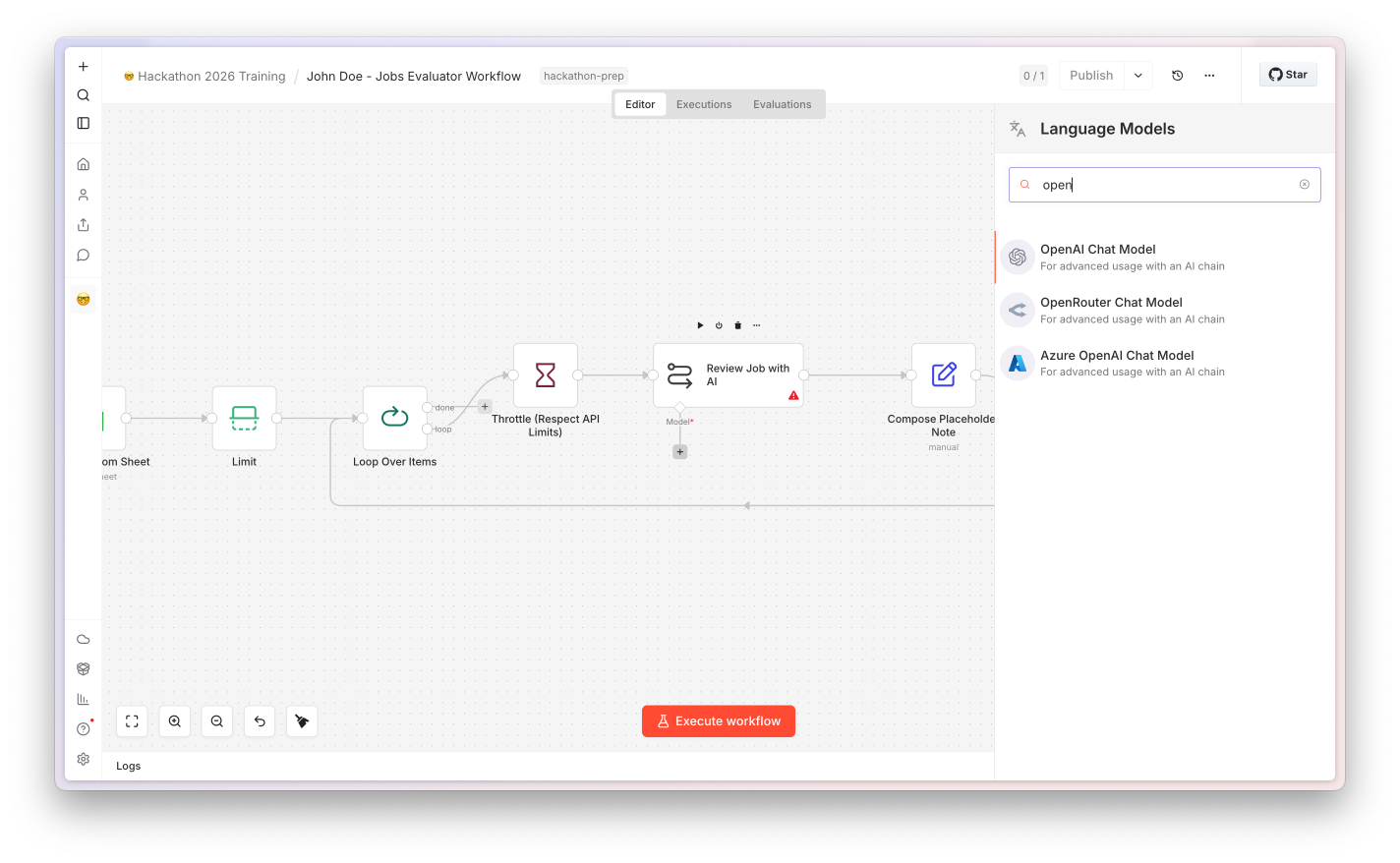
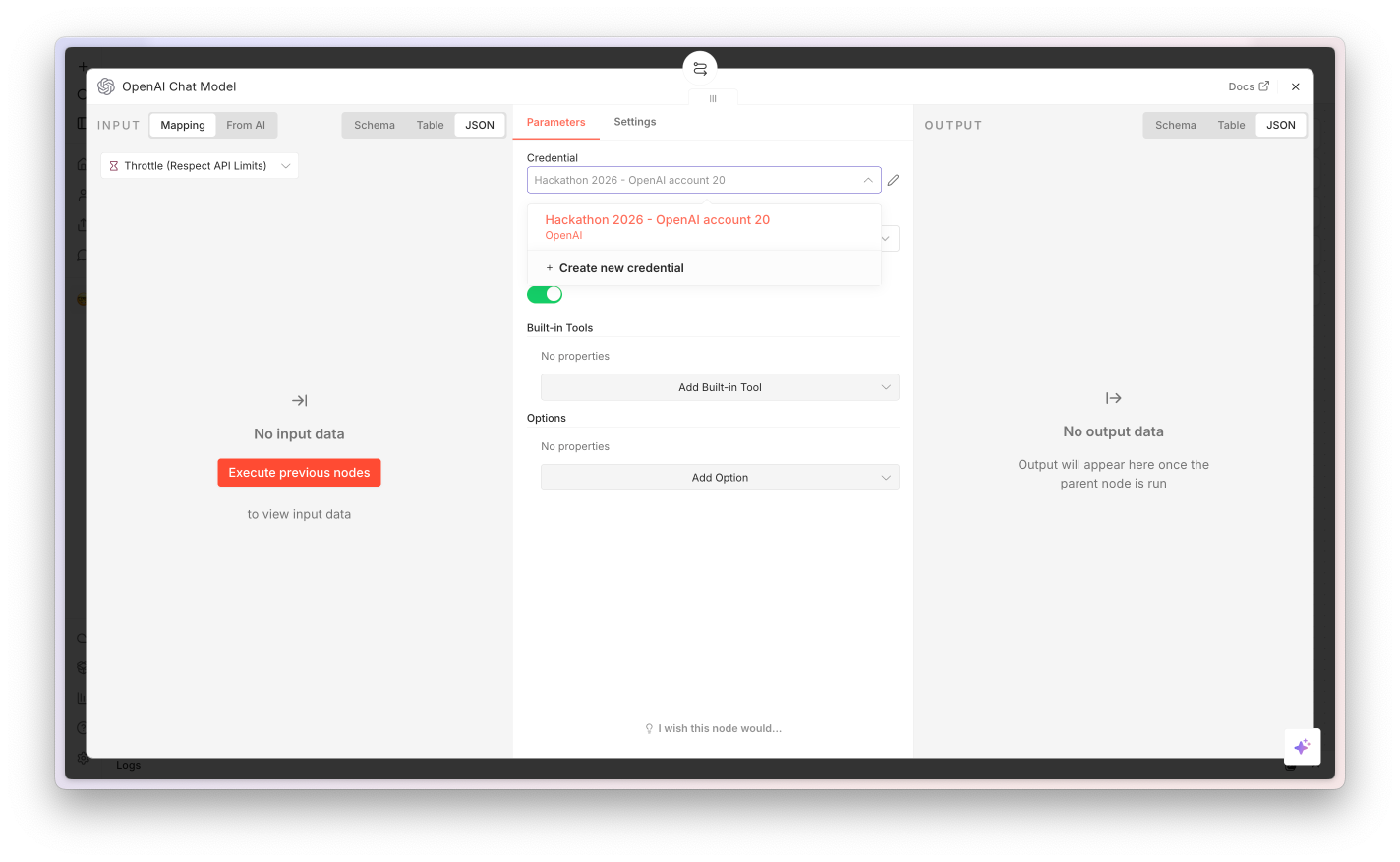
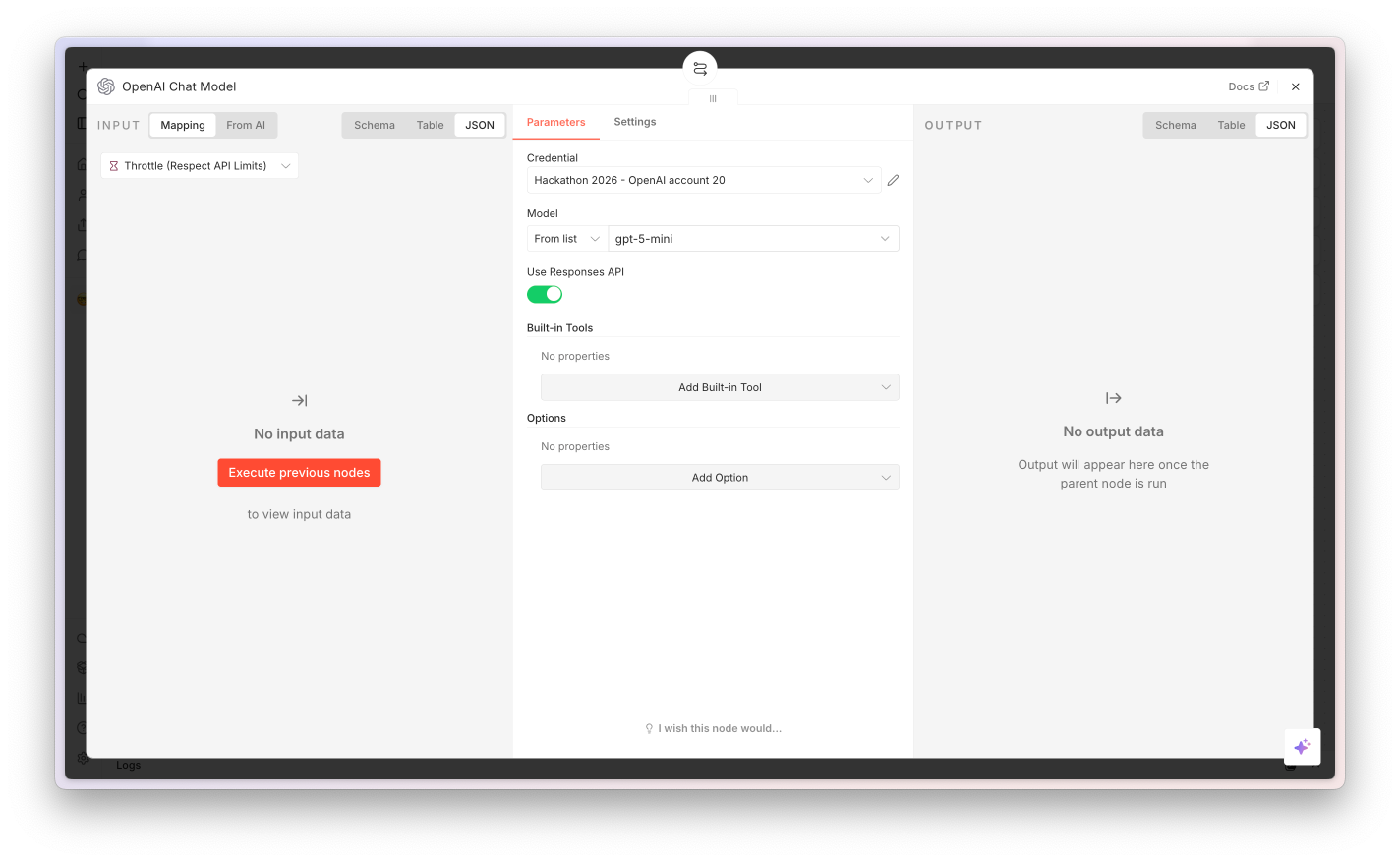
Open the OpenAI Chat Model sub-node, click the credential dropdown, paste your key. One credential, one workflow - service account, not personal.

Stuck? Don't block on it. Skip ahead to the click-by-click screenshots a few slides on, or pair with the person next to you. The build phase is long enough that you can catch up - we'll keep moving.
Step 1 of 3 · Download

Grab the workflow and the sample data.

Two downloads. The workflow JSON imports into n8n. The sample data zip has a Senior Frontend Developer JD (copy-paste into the form) and 5 fake CVs (upload all at once).

Workflow

CV AI Screener

CV-AI-Screener.json
10Nodes
~21 KBSize
gpt-5-miniDefault model
Download JSON

In n8n: +Import workflow from file.

Sample data

JD + 5 fake CVs

workshop-sample-data.zip
1 JDSenior Frontend
5 CVsJunior → Staff
~22 KBSize
Download ZIP

Unzip, open Job-Description.txt, copy & paste into the form. Upload all 5 PDFs.

03

Node by Node

Eight nodes. One slide each. Build along with me.

Node 1 of 8 · Form Trigger

The front door of the workflow.

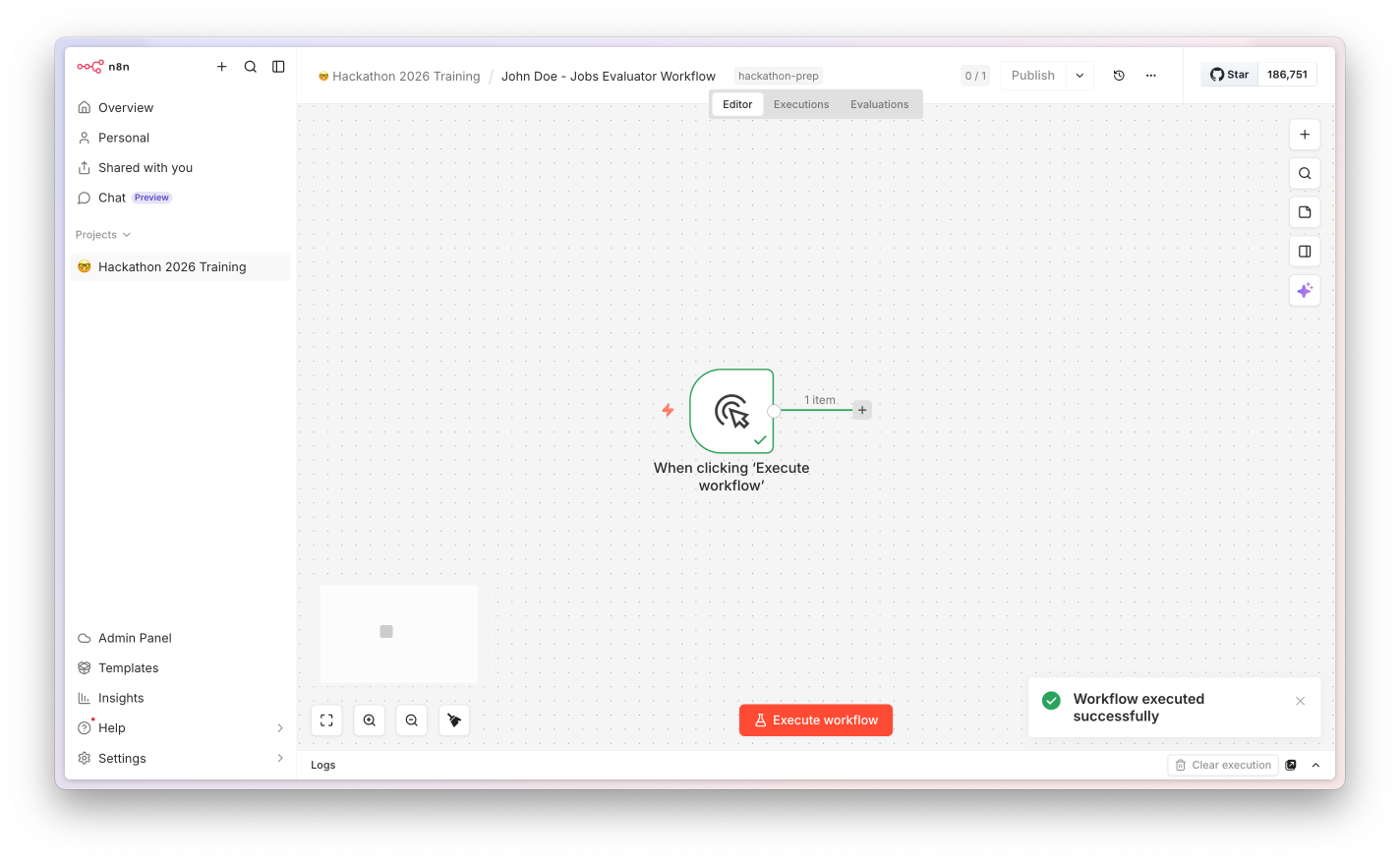
Form Trigger node screenshot

n8n's built-in form. Hosted at a public URL (or behind your network). Two fields: a Job Description textarea and a multi-file CV upload. The responseMode: lastNode setting keeps the user's session open until the very last node returns the CSV download.

Why a Form (not a Webhook)? Forms give you a usable UI for free. For the hackathon, swap to a Webhook to receive CVs from your careers portal, or an Email Trigger to auto-process applications.
Configuration
Form TitleCV Screening
Field 1Job Description (textarea)
Field 2CVs (file, multiple)
responseModelastNode
Both fieldsrequired: true
Node 2 of 8 · The legitimate Code node

Normalize Files. Yes, this one is Code and that's OK.

Normalize Files node screenshot

Multi-file uploads come in as CVs_0, CVs_1… on the same item's binary payload. We need one item per CV downstream. There's no native node for binary fan-out, so this is the doc's allowed Code use: "logic that no built-in node covers."

Lesson: the doc says Code is the #1 yellow flag - but it's not banned. The test is "is there a Set, IF, or native integration that already does this?" For binary fan-out, the answer is no. Keep it.
What it does
Input1 item · N binaries
OutputN items · 1 binary each
Alsocopies JD onto each item
TypeJavaScript (12 lines)
Node 3 of 8 · Loop Over CVs

The pattern most beginners get stuck on.

Loop Over CVs node screenshot

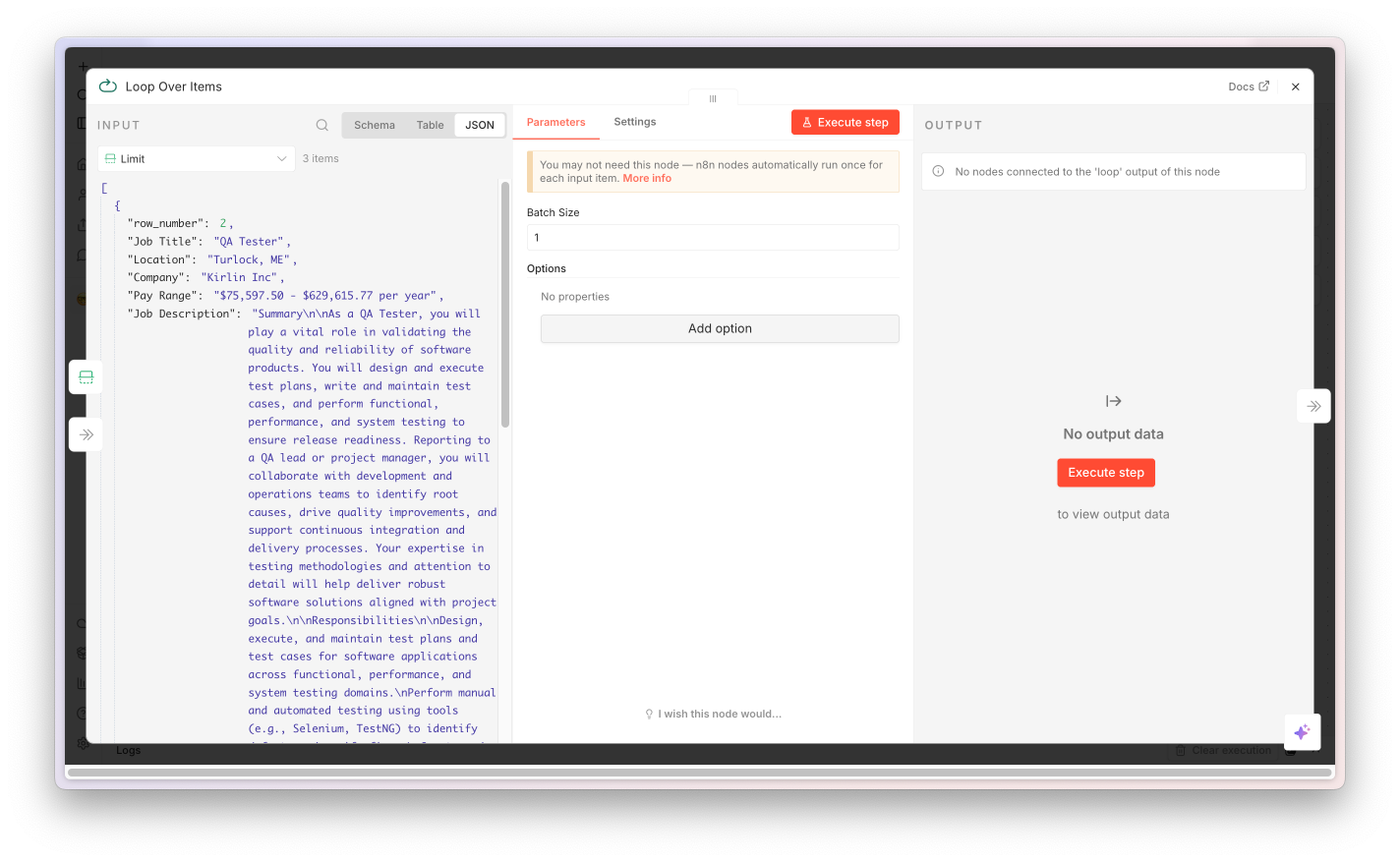
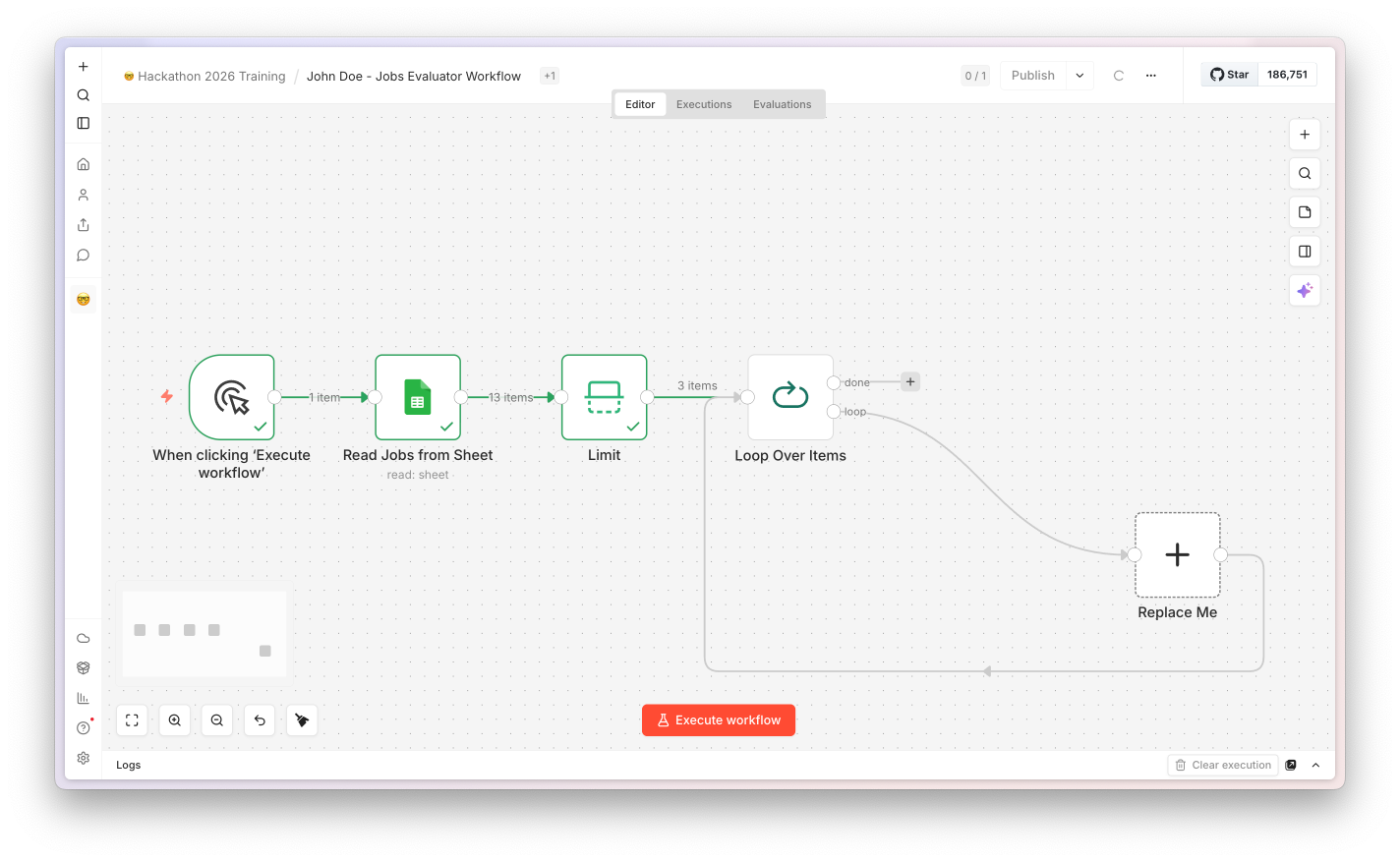
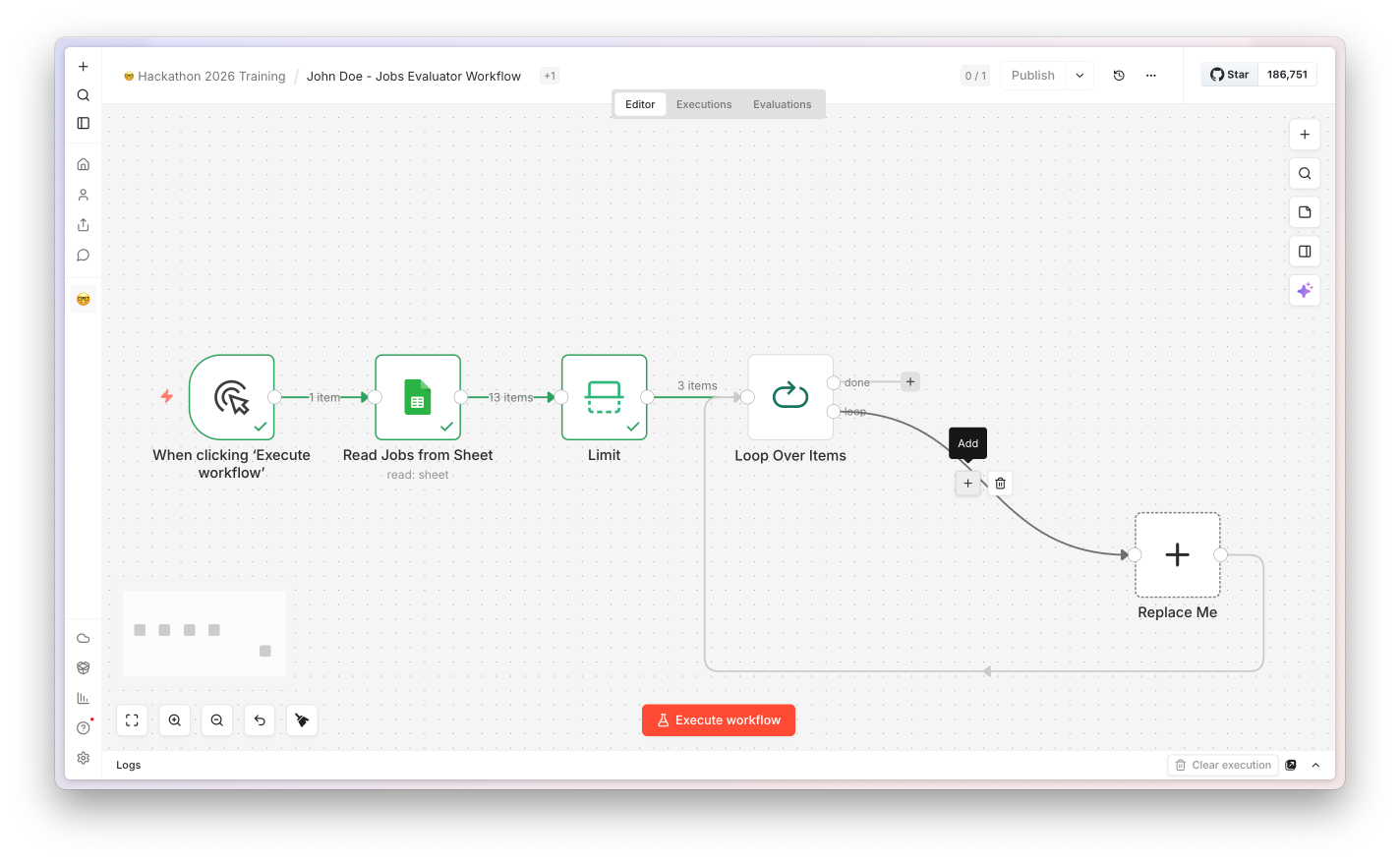
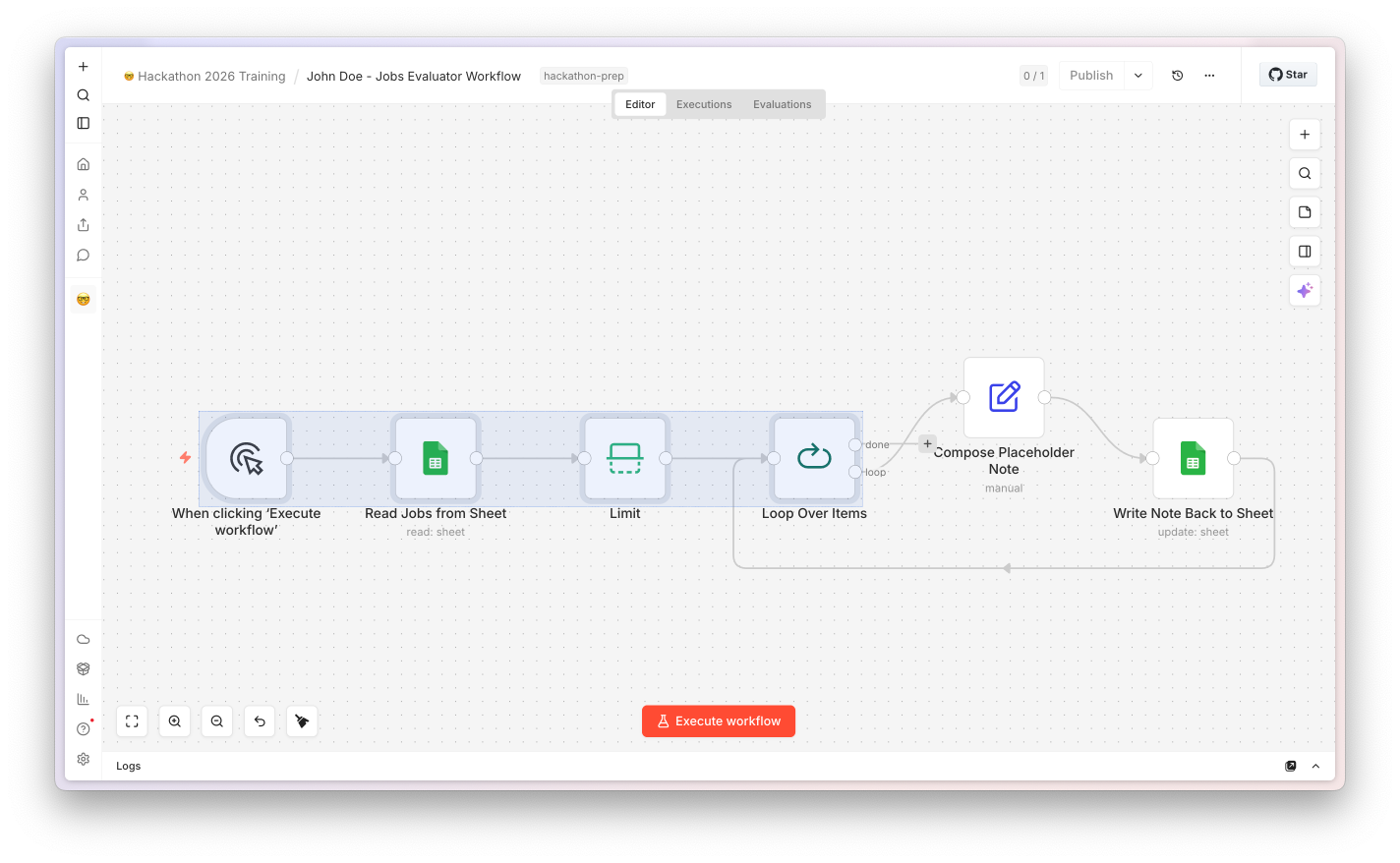
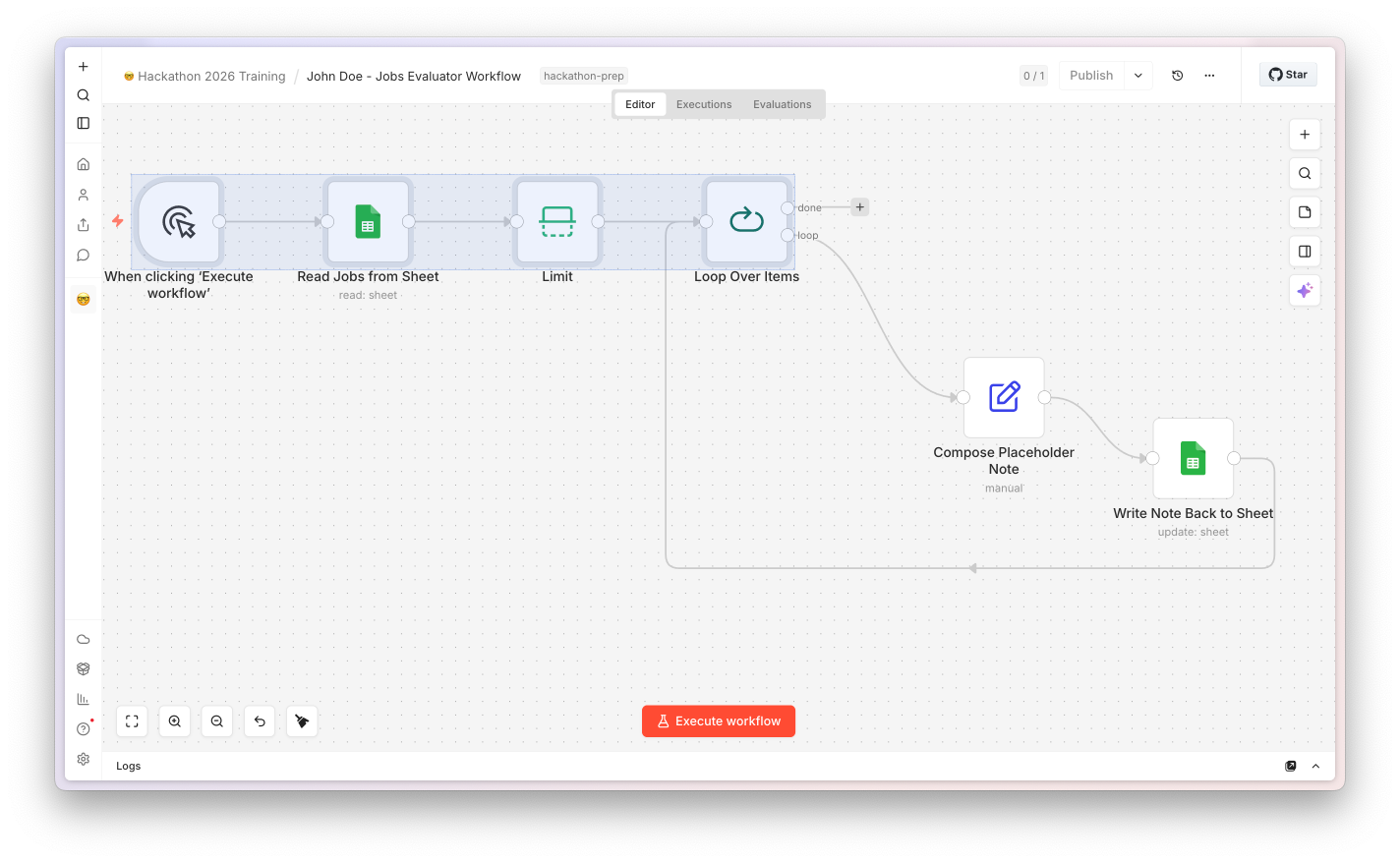
SplitInBatches processes one CV at a time. It has two output branches: the loop branch (off to do the work, then comes back) and the done branch (runs once when all CVs are processed). The wire that goes back into the node is the loop - not a mistake, it's how batch processing looks in n8n.

If you only remember one thing here: branch 1 is the loop body, branch 2 is what runs after the loop finishes. The back-edge wire is intentional.
Configuration
Batch Size1
Output 1 (loop)→ Extract PDF Text
Output 2 (done)→ Convert to CSV
Loop back fromFlatten Output
Node 4 of 8 · Extract PDF Text

Reads every page into a single string. Native node, no setup.

Extract PDF Text node screenshot

n8n's built-in Extract from File node, configured for PDF mode. It pulls the text out of every page and joins them. No external API call, no credential - just text in, text out.

Hackathon upgrade: for scanned CVs, complex multi-column layouts, or non-English text, swap this for the native Mistral AI node (OCR operation). Higher quality, tiny code change, much better downstream AI results.
Configuration
OperationPDF
Binary propertycv
Join pagestrue
Output field$json.text
Node 5 of 8 · CV Analyser (the AI)

An AI Agent with a typed schema.

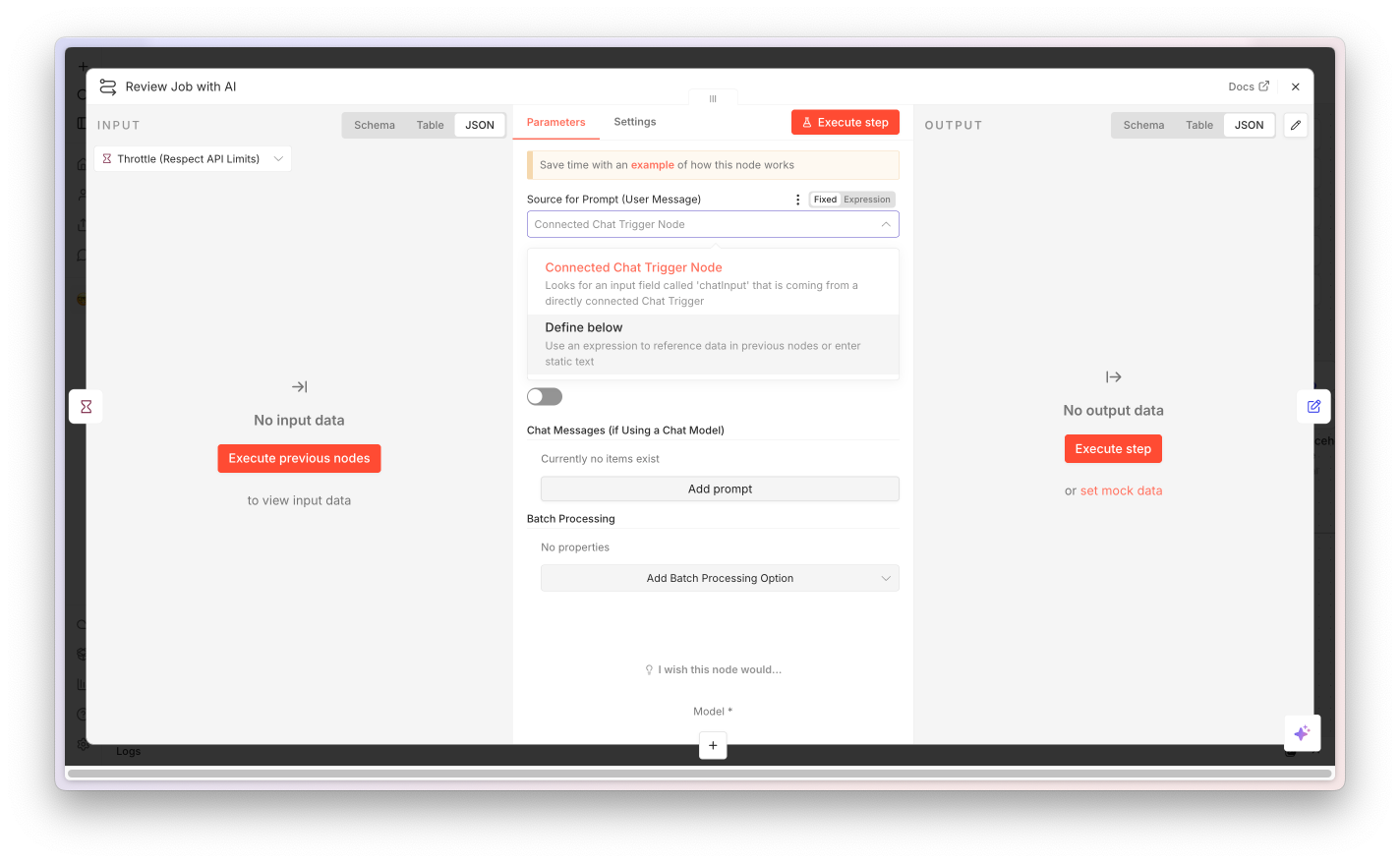
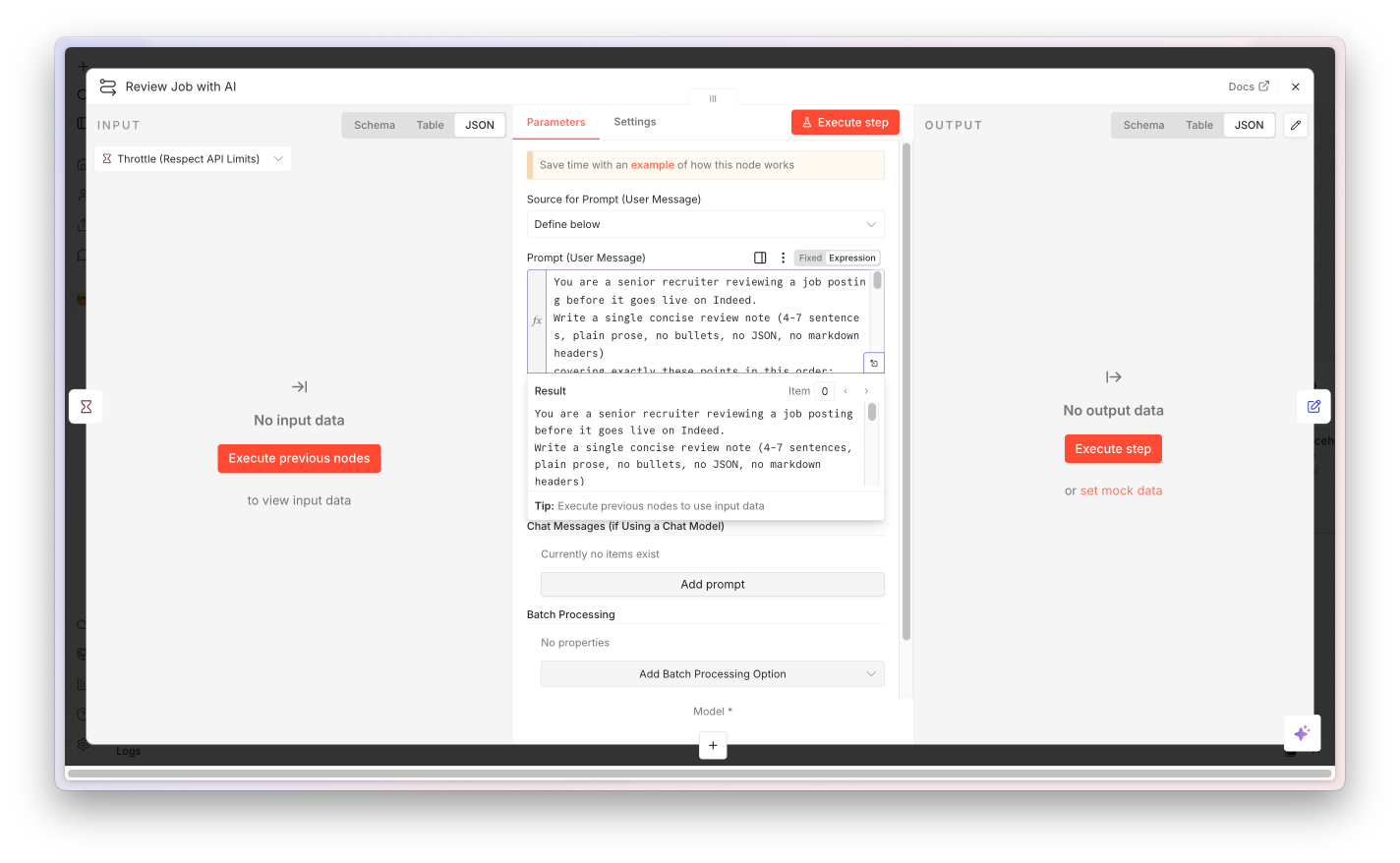
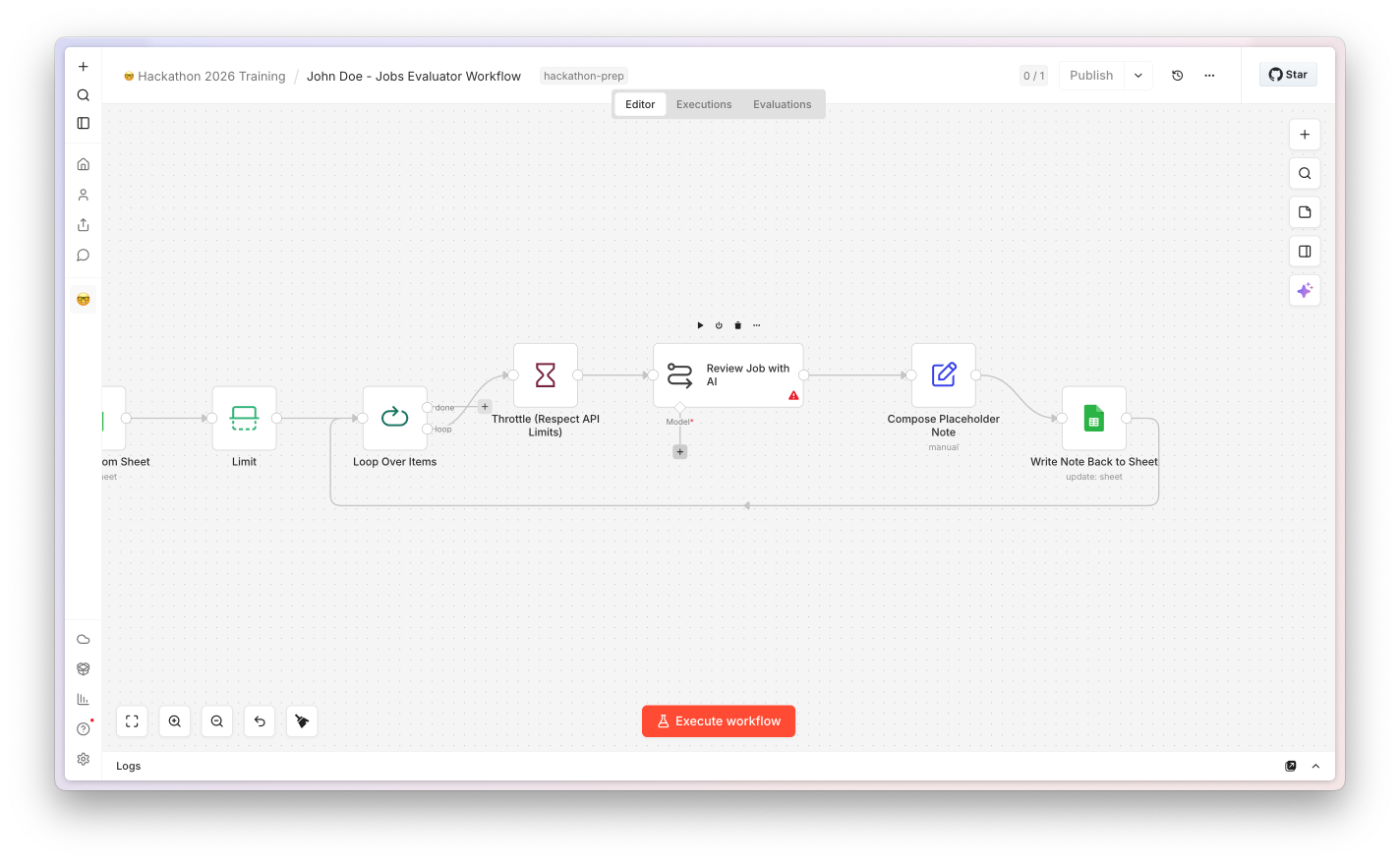
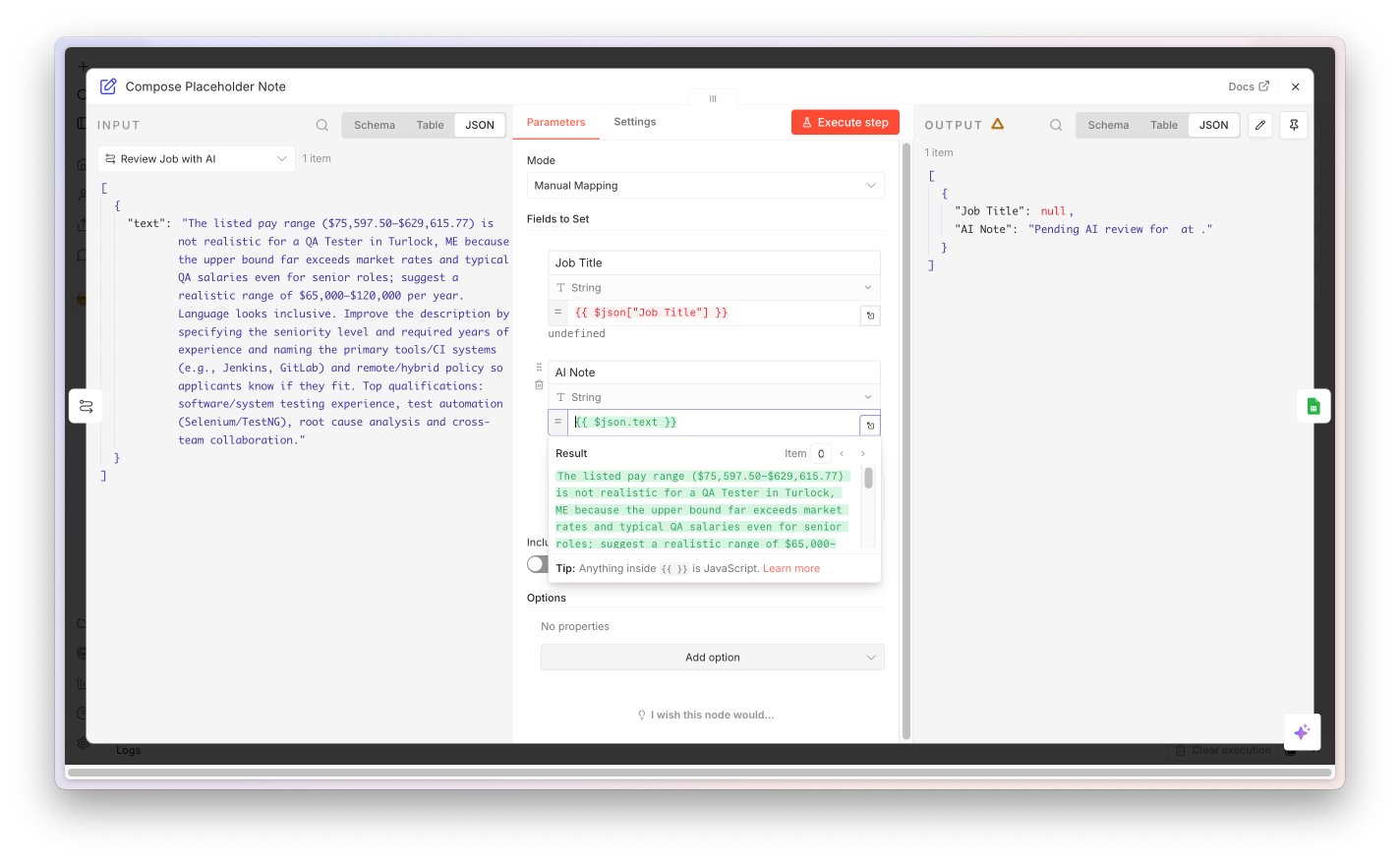
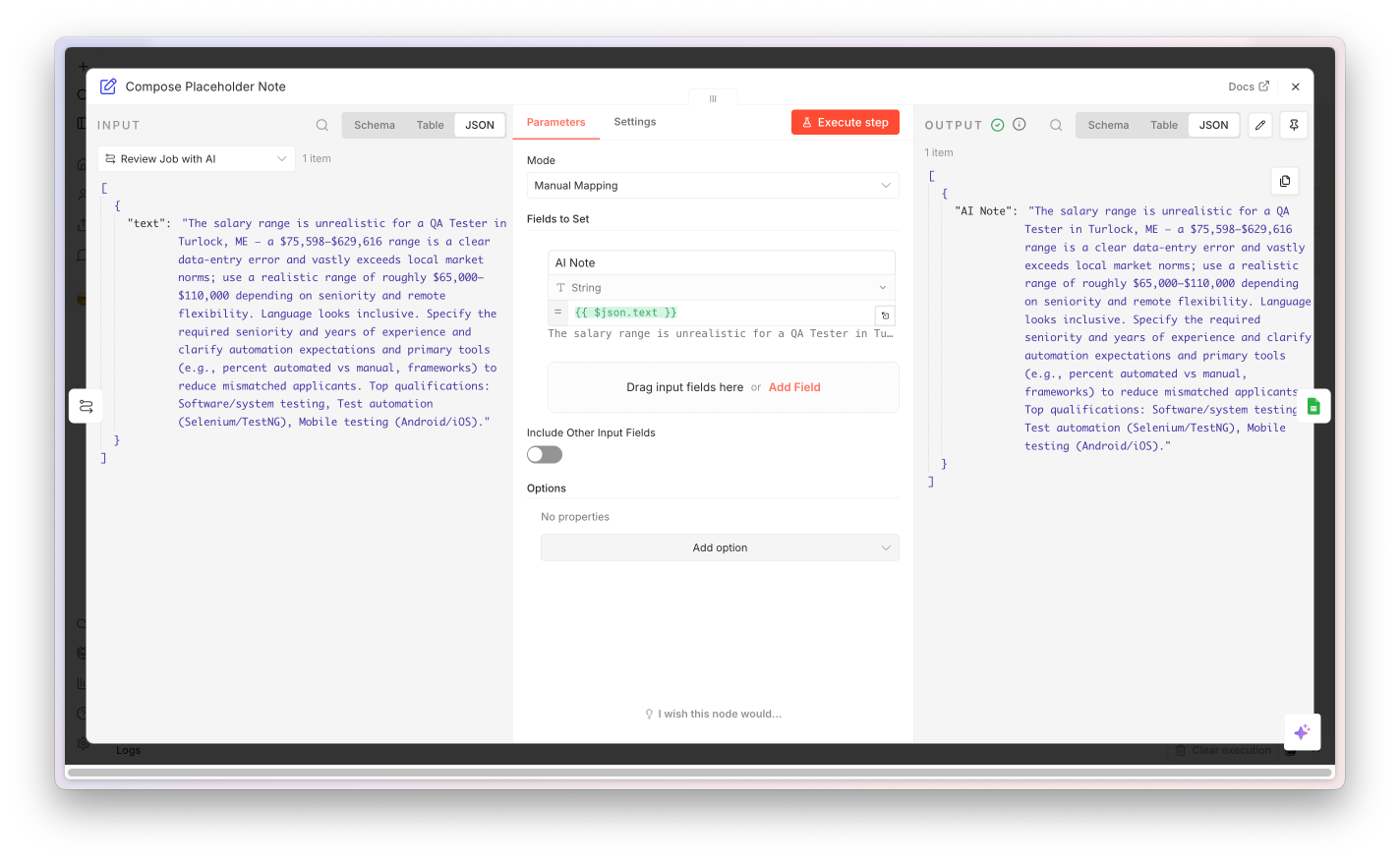
CV Analyser node screenshot

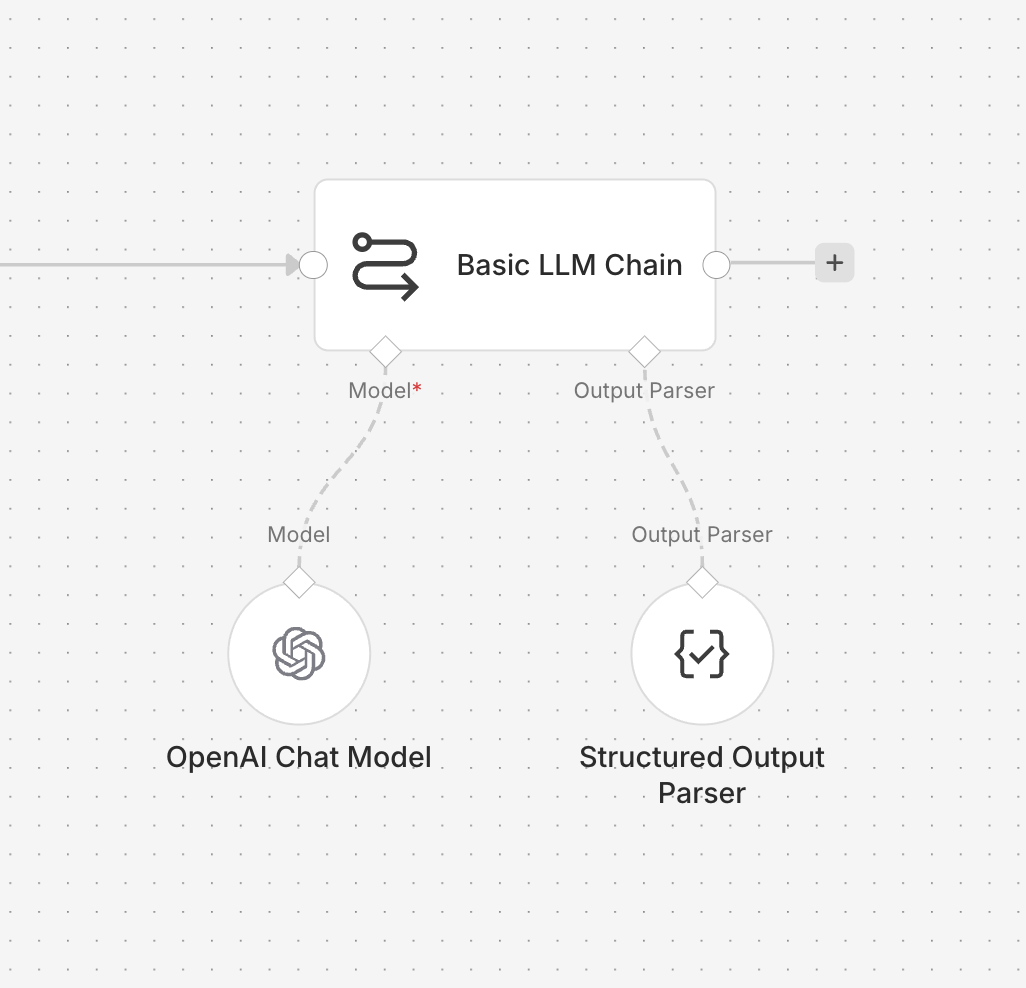
This is the magic. The Agent node sends the CV text + the job description to GPT with a system message ("you're an expert HR recruiter"). The Structured Output Parser sub-node forces the model to return a strict JSON object - every field typed, no string-parsing fragility, no markdown fences to strip.

Three sub-nodes hang off the Agent: the OpenAI Chat Model (which model, with your credential), the Structured Output Parser (the schema), and an optional auto-fix model for when the LLM occasionally drifts off-spec.
Configuration
Modelgpt-5-mini
System message"Expert HR recruiter…"
Output schema9 fields, typed
Schema fieldsname, email, role, score, …
hasOutputParsertrue
Node 6 of 8 · Flatten Output

Unwrap the AI output into clean CSV columns.

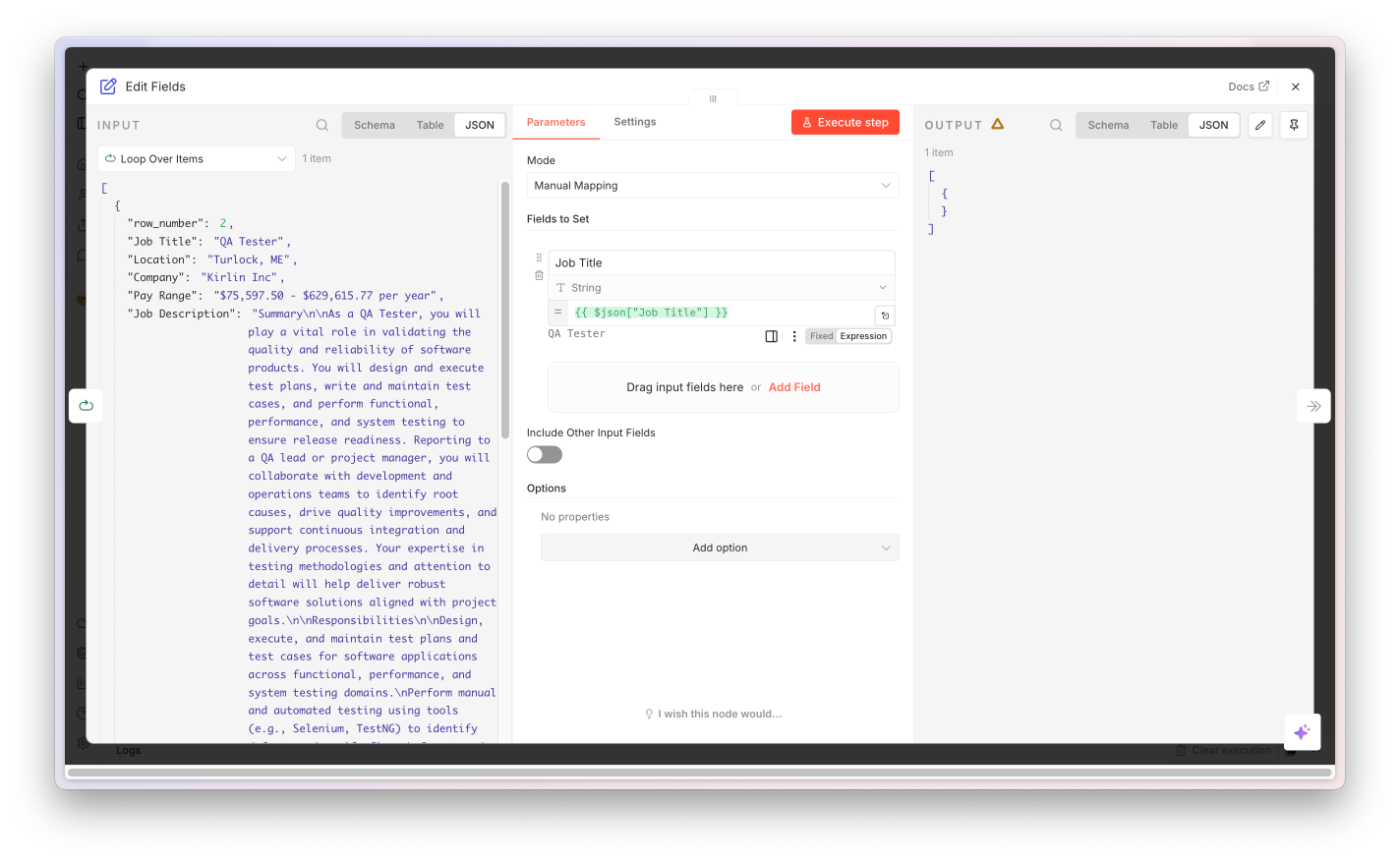
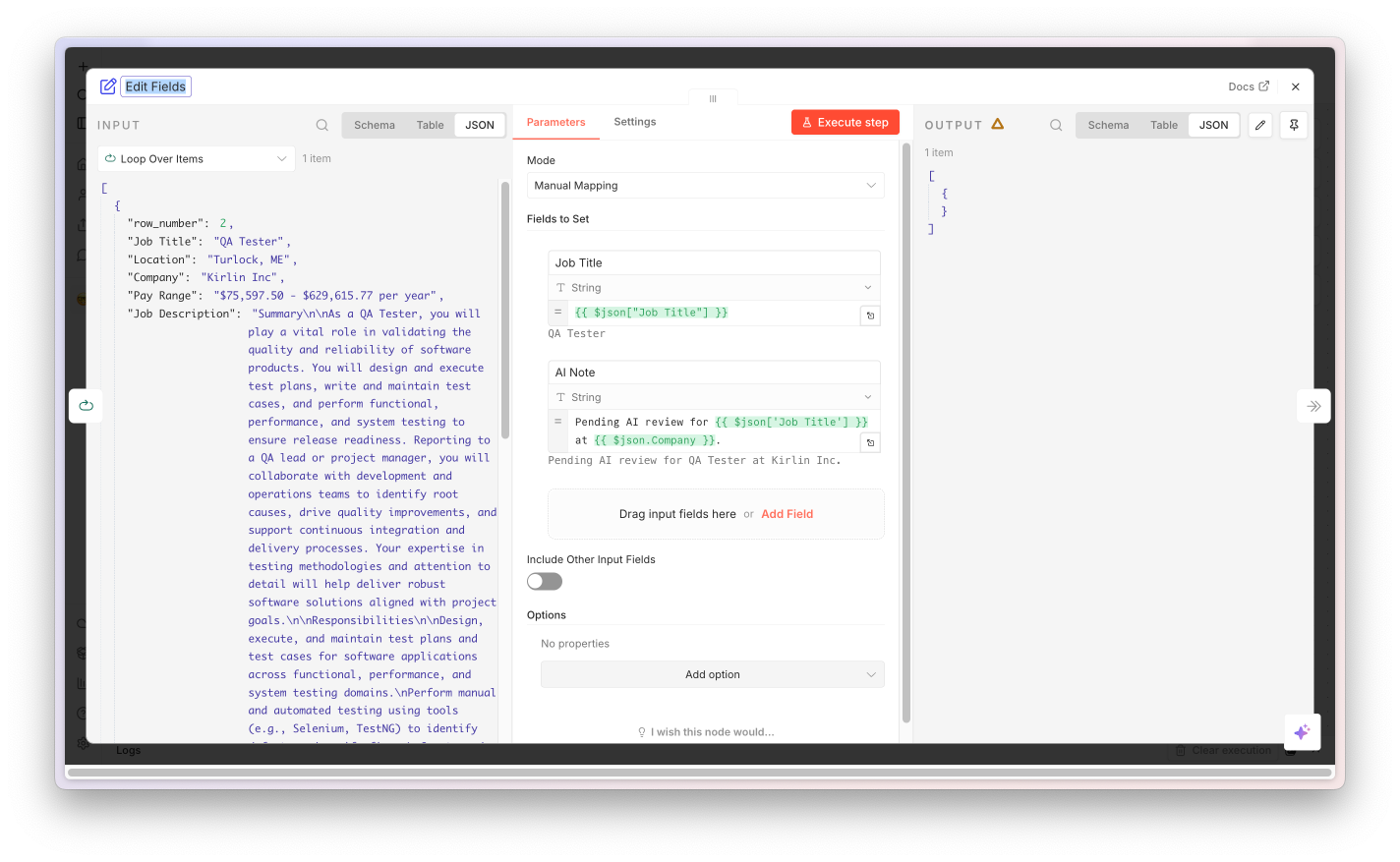
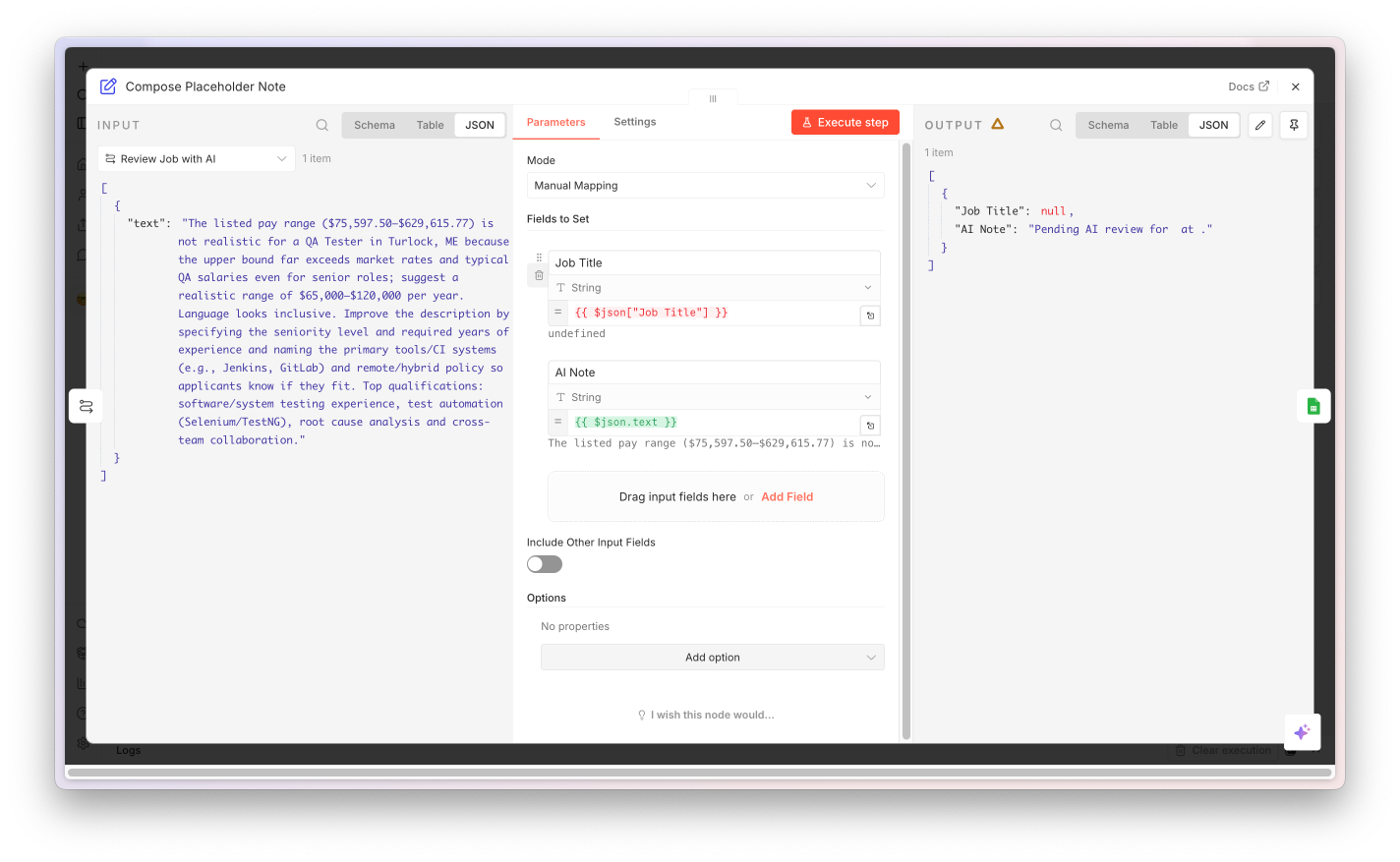
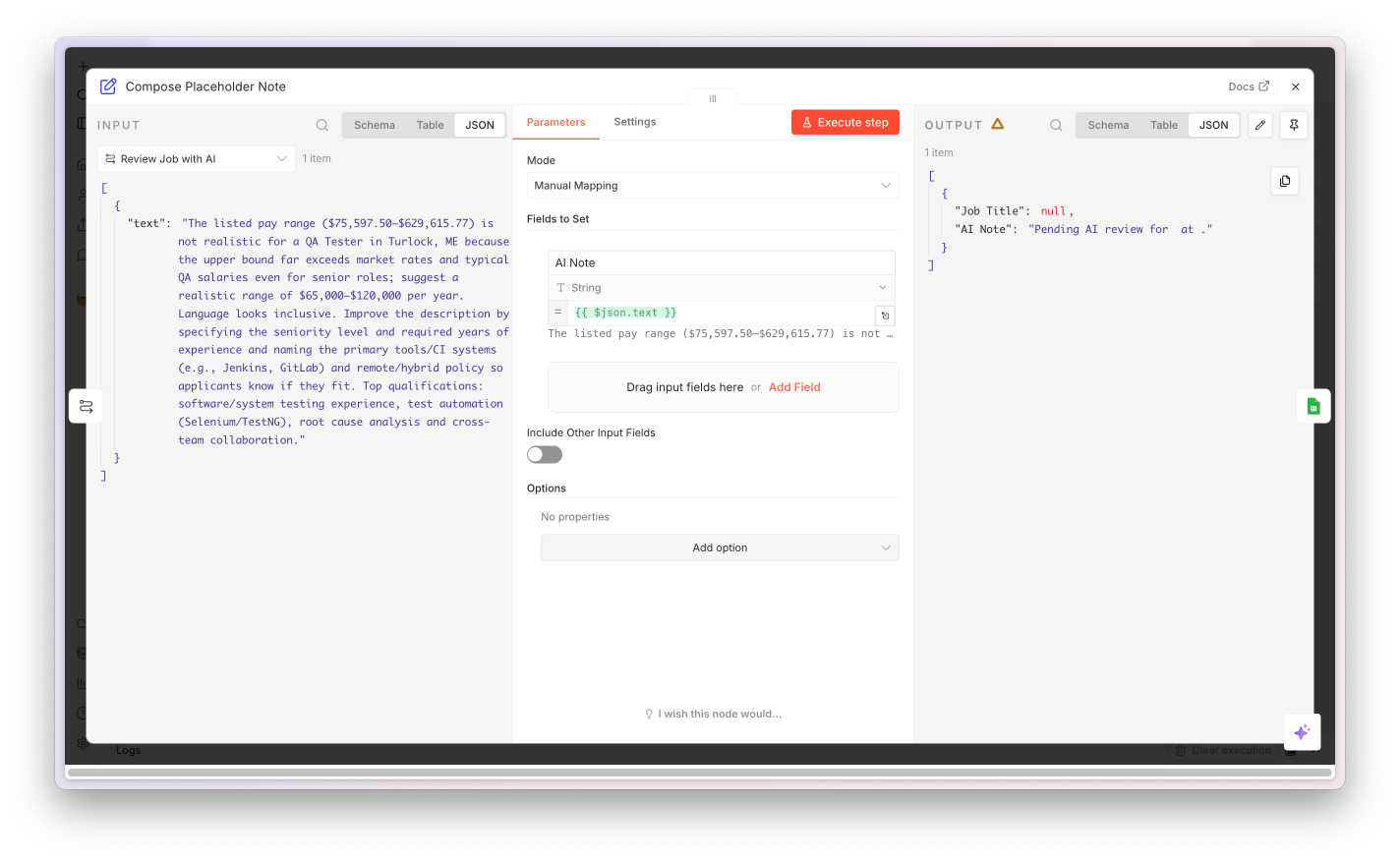
Flatten Output node screenshot

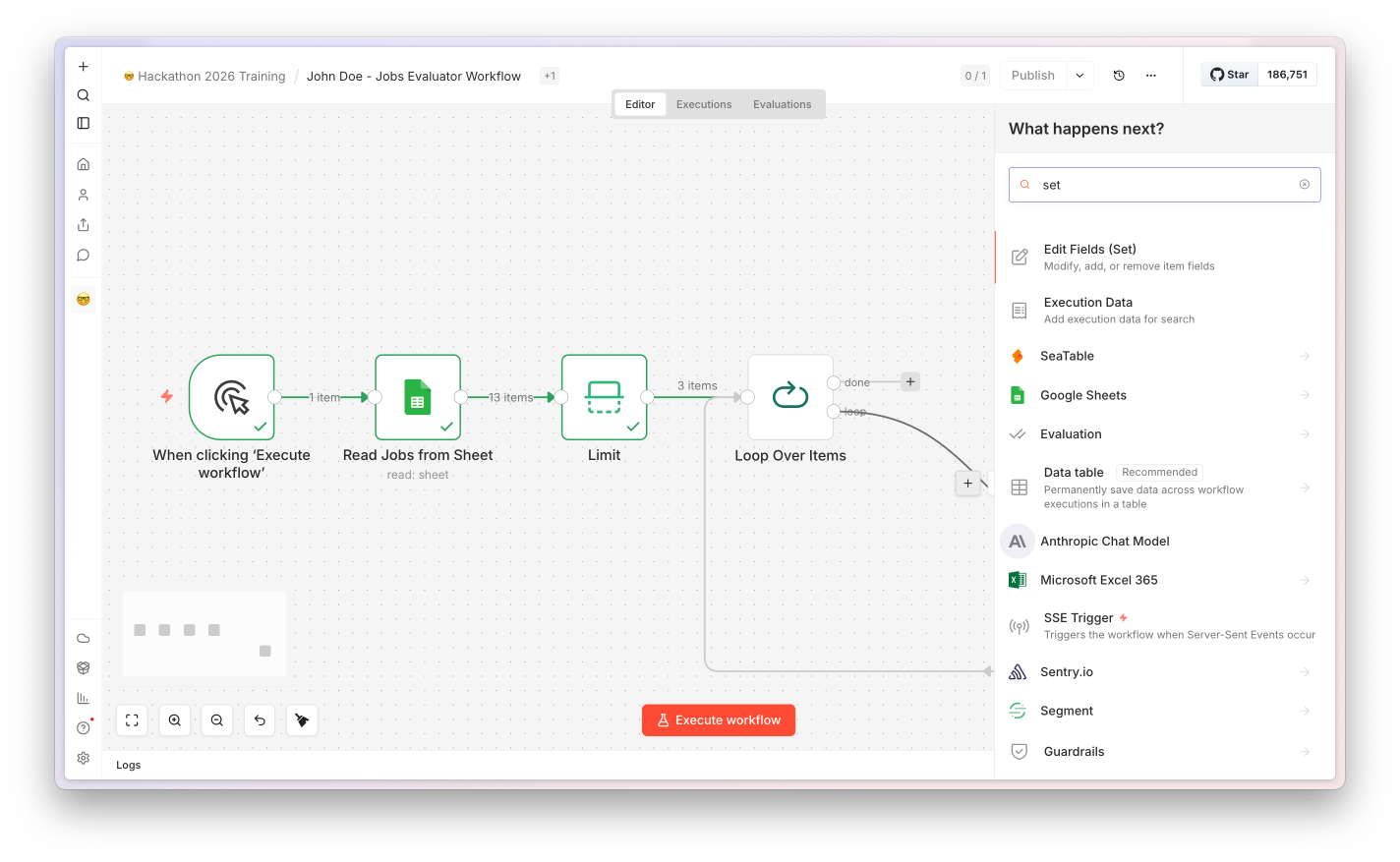
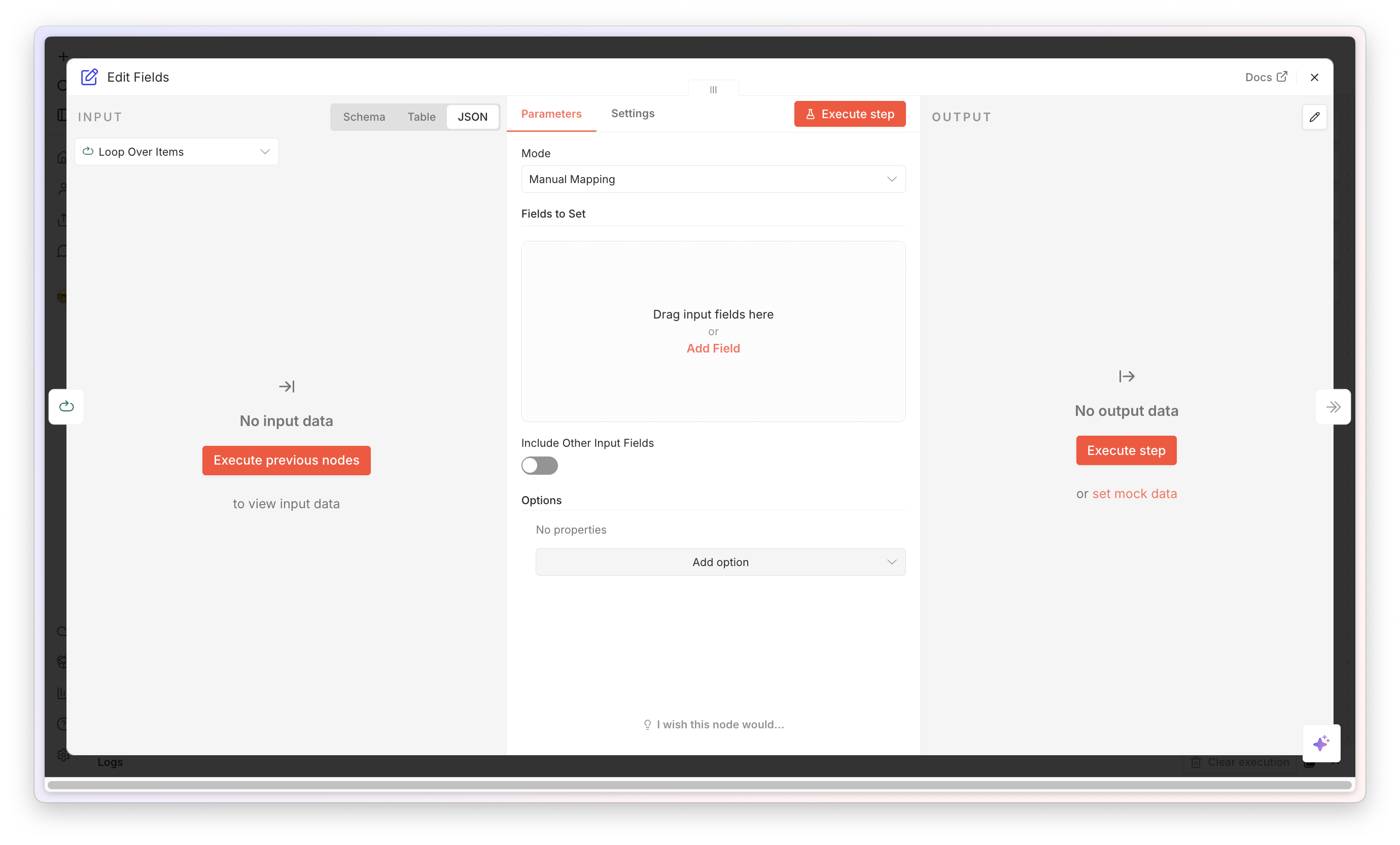
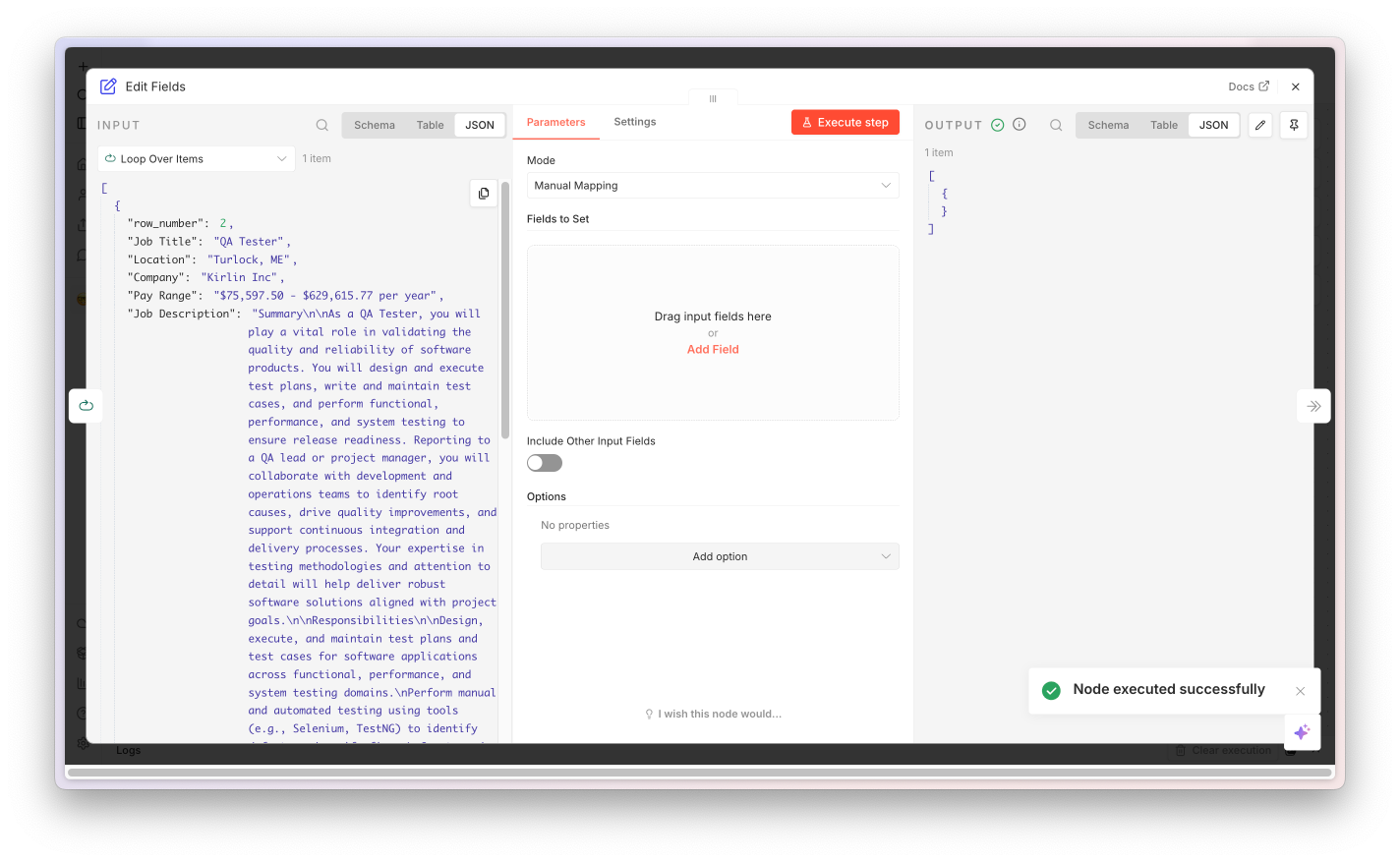
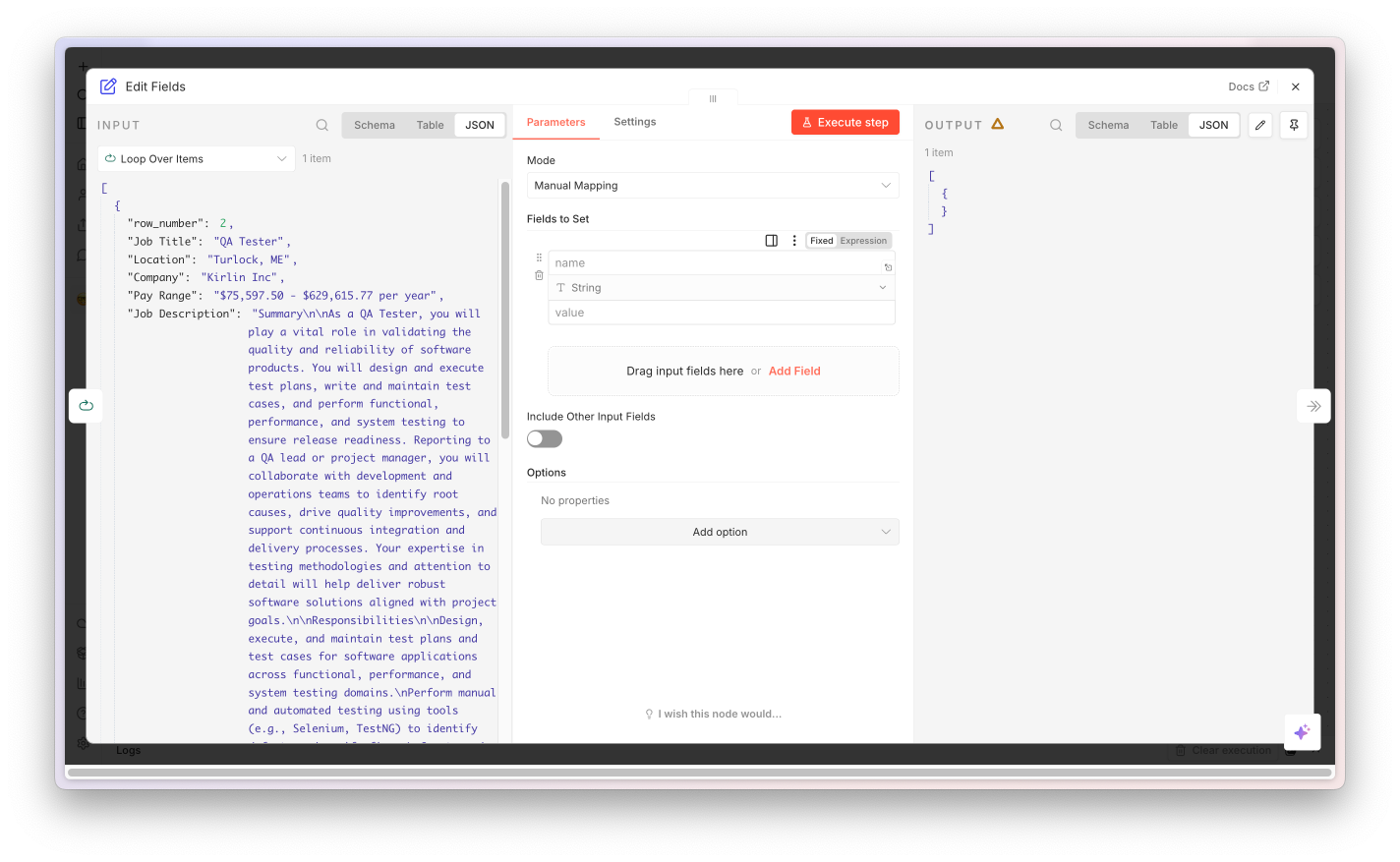
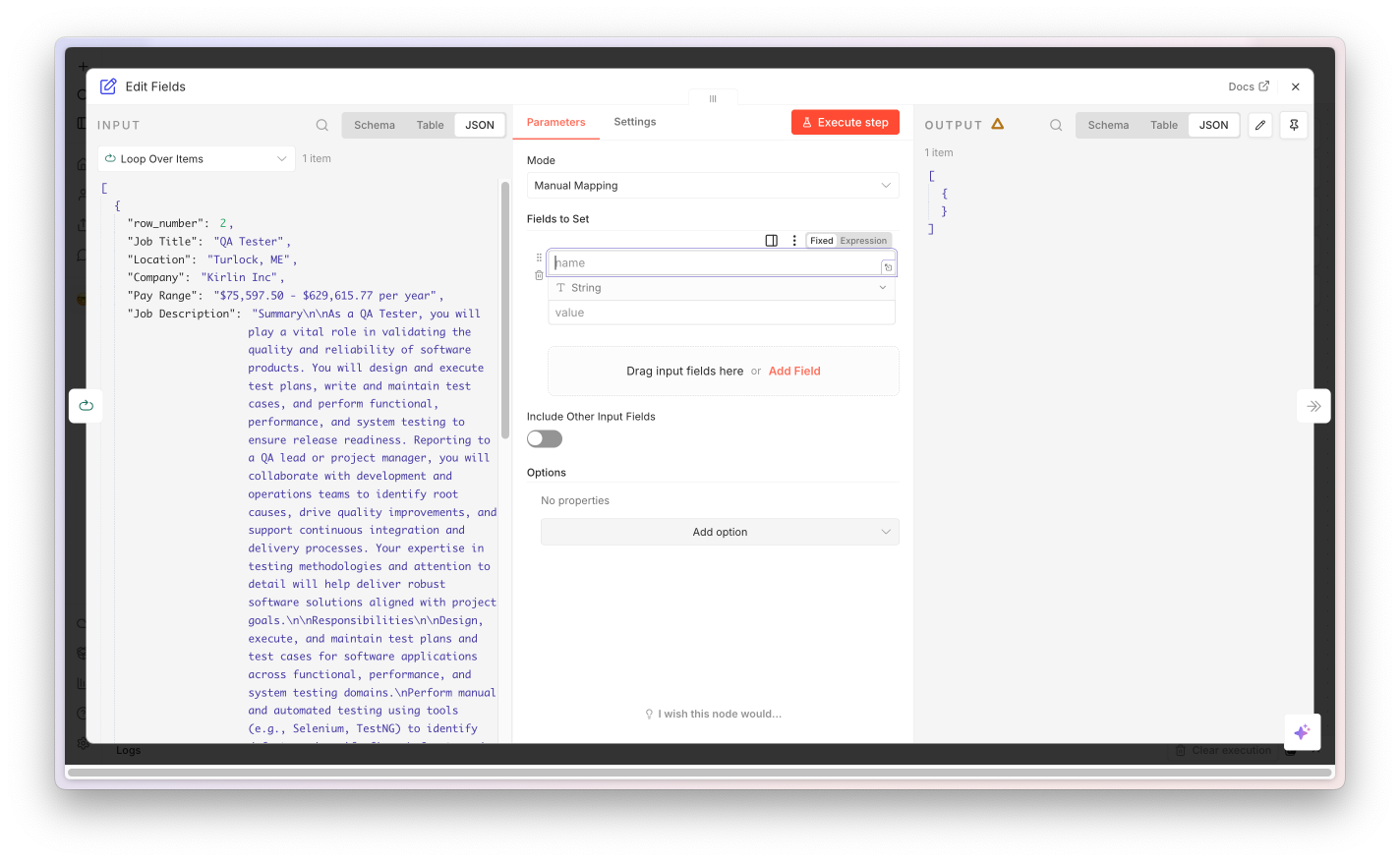
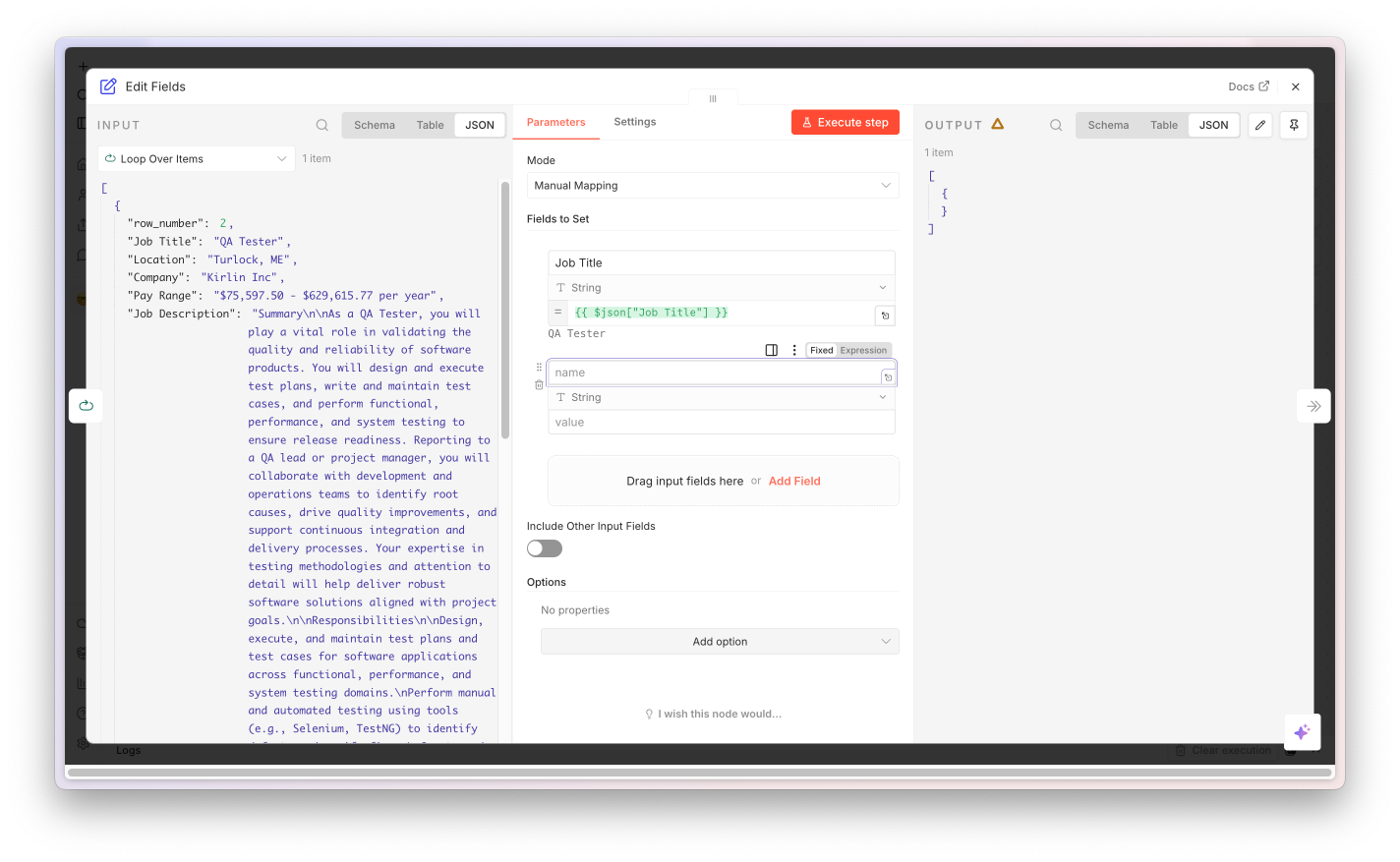
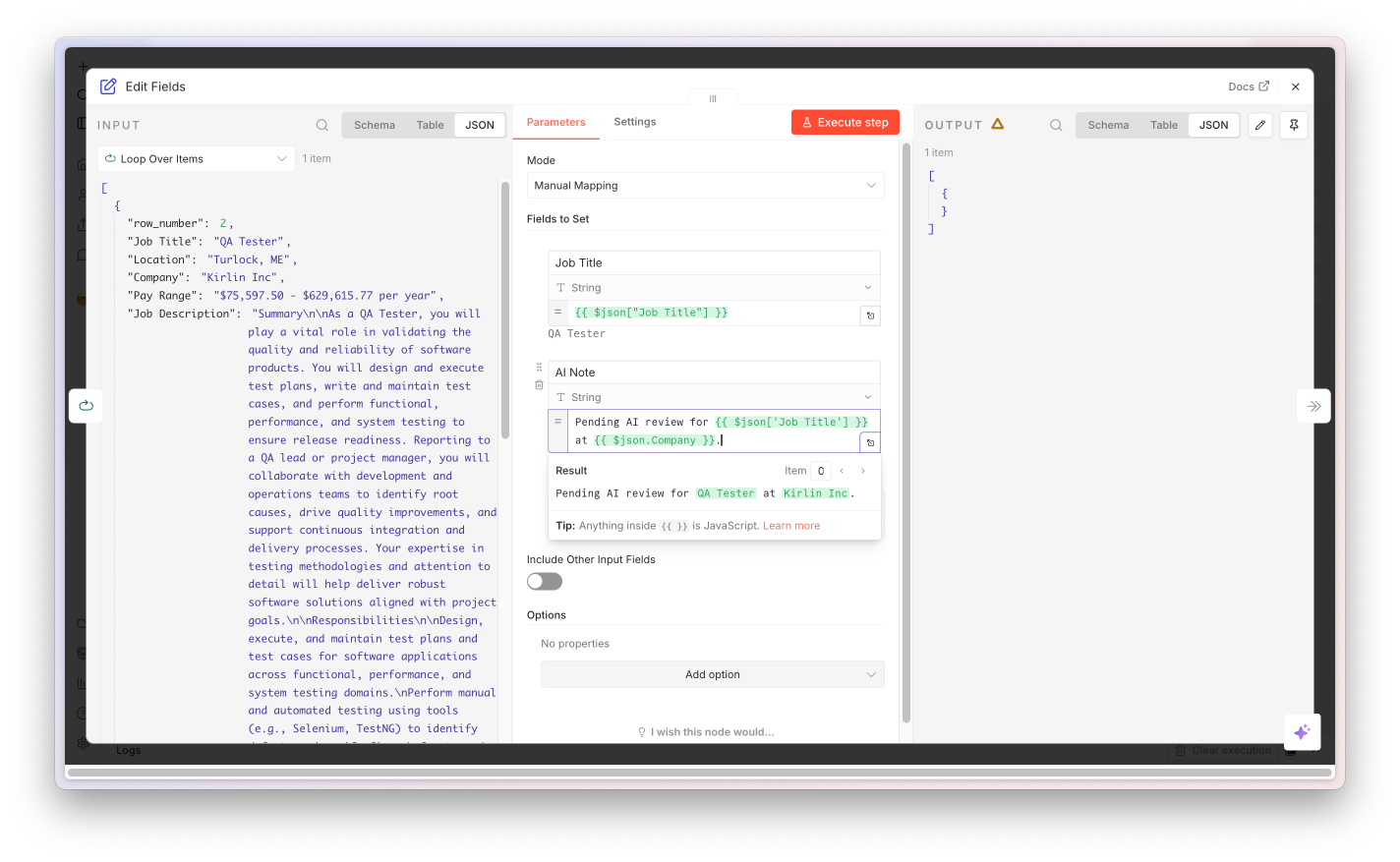
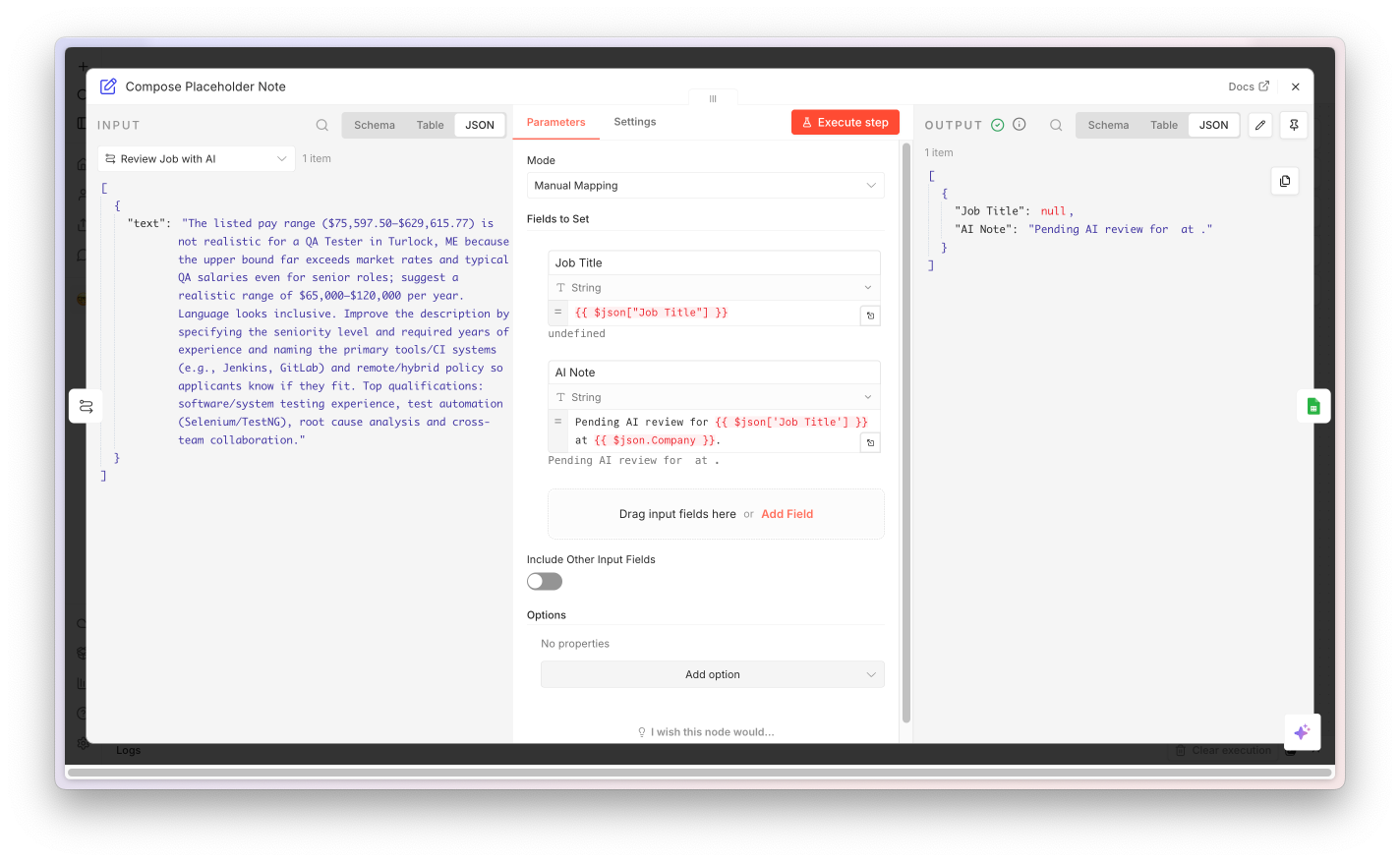
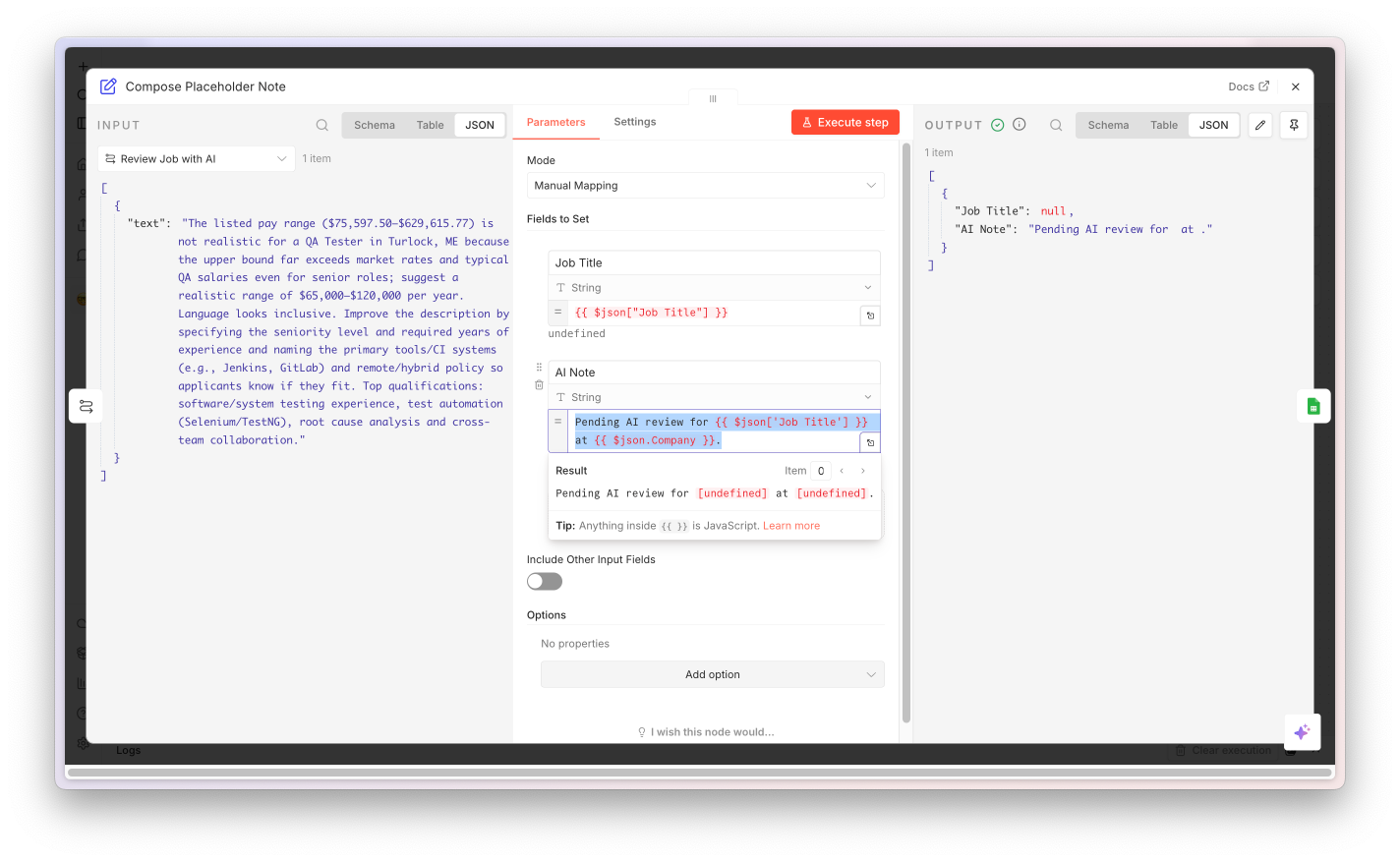
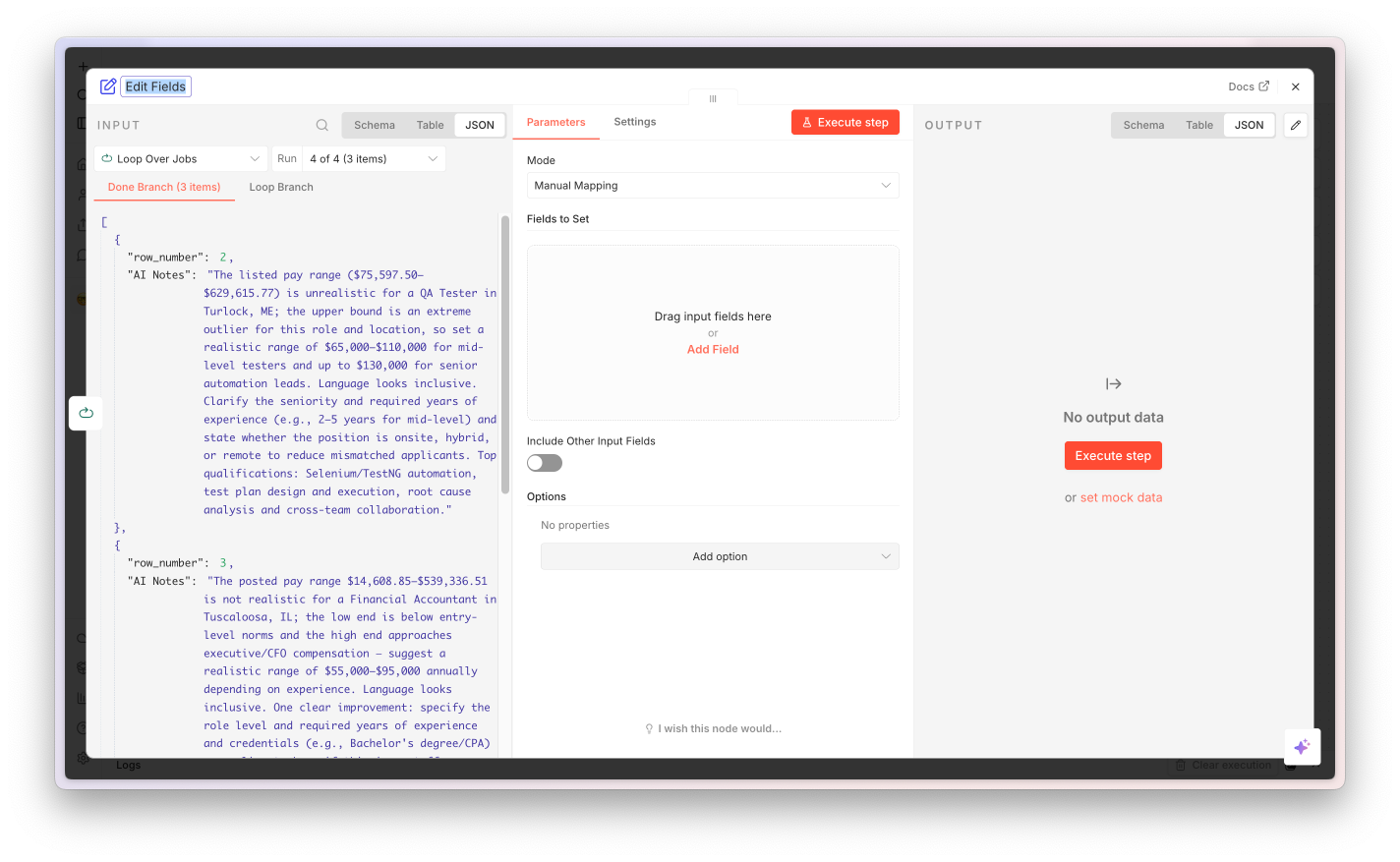
The Agent's output comes wrapped in $json.output.*. The Set node unwraps it into nine top-level fields - one expression per output column, with the skills array joined into a string. No JavaScript, readable by anyone on the team.

Pattern worth keeping: for mapping fields, joining arrays, or applying defaults, reach for Set first. One expression per field, no JavaScript, anyone on the team can audit it.
Field mappings
fileName{{ $json.output.fileName }}
fullName{{ $json.output.fullName }}
topSkills.join(", ")
score{{ …score }} (number)
… 5 moreall from $json.output
Node 7 of 8 · Convert to CSV

Turn the rows into a downloadable file.

Convert to CSV node screenshot

Native Convert to File node in CSV mode. Takes every flattened row from the loop and produces a binary file named cv_screening_results.csv with a header row generated from the field names.

Why a CSV? Universal, opens in Excel / Sheets / Numbers, easy to share. For a hackathon project you'll want to swap this for something else - see the next slide.
Configuration
OperationCSV
fileNamecv_screening_results.csv
headerRowtrue
Outputbinary file
Node 8 of 8 · Return CSV Download

Hand the file back to the browser tab that started it.

Return CSV Download node screenshot

The Form node in completion mode with respondWith: returnBinary. The user's browser tab - still open from the original form submission - gets a "Screening complete!" page with a download link to the CSV produced in the previous step.

Hackathon upgrade: swap this exit for an ATS push, a Sheets / Notion row append, or a Slack DM to the recruiter with the top-3 candidates. The exit step is the easiest thing to change.
Configuration
operationcompletion
respondWithreturnBinary
completionTitleScreening complete!
inputDataFieldNamedata
Your turn to ship

Run your build. Same workflow, your hands.

You watched the demo at the start. Now do it yourself: hit Execute Workflow, open the form URL, paste the JD, upload the sample CVs, watch the rows score, download the CSV. The point isn't seeing it work - it's that you built and ran it.

8
Nodes you wired
~7s
Per CV
9
Typed fields per row
04

Where to Take It

The pattern, the policy, the hackathon springboard.

Before you deploy this anywhere real

CV scoring is regulated. Treat it that way - everywhere.

Today's workflow is a learning demo. Real CV screening at Indeed needs HR sign-off, legal review, and a region-specific compliance check. The rules differ by jurisdiction; the underlying principles - bias auditing, candidate transparency, human oversight - don't.

EU

EU & UK

EU AI Act classes CV scoring as high-risk (Annex III, employment): conformity assessment, human oversight, candidate transparency, EU database registration. GDPR Article 22 covers automated decisions; UK GDPR mirrors it.

US

United States

NYC Local Law 144 mandates annual bias audits for automated employment decision tools. Colorado AI Act (2026) covers high-risk AI including hiring. Illinois AI Video Interview Act, EEOC Title VII / ADA guidance, and state privacy laws (CCPA/CPRA, etc.) all apply.

APAC

APAC

Singapore Model AI Governance Framework + AI Verify toolkit. South Korea AI Framework Act (2026). Japan METI AI Guidelines for Business. Australia AI Ethics Principles + Privacy Act reform. India DPDP Act (2023). China PIPL + Generative AI rules.

All

Universal

AI scores are probabilistic, not objective truth. Models reproduce historical bias. Test across gender, age, nationality, disability before any production use. Always involve HR + legal in the region you're deploying to.

The pattern is portable - the tag isn't. Use this shape for: scoring job-posting quality, classifying support tickets, extracting structured data from contracts, summarising sales calls, parsing receipts - anywhere you need document in → structured data out. None of those carry the high-risk-AI classification.
Hackathon springboard

Five places this workflow can go next.

Today you built the spine. The hackathon is for putting muscle on it. Each of these is a half-day project - pick one, fork the workflow, ship it.

🔁 Trigger upgrades

Replace the Form with a Webhook from your careers portal, or an Email Trigger for an applications inbox. Same workflow body, runs unattended.

📄 Better extraction

Swap Extract PDF Text for the native Mistral AI node (OCR operation). Massive quality jump on scanned and complex CVs. Tiny config change.

🤖 Smarter AI

Extend the schema: education, certifications, languages, employment gaps. Add a second AI pass to generate personalised interview questions per candidate.

📊 Real integrations

Push results into your ATS, write to Sheets / Notion for collaborative review, Slack-DM the top 3 to the recruiter, store embeddings in a vector DB for talent-pool search.

🔒 Production hardening

Add SSO / magic-link auth to the form. Implement an audit log of every run. Tag the workflow with hackathon-prep so the platform team knows it's a draft.

🧠 Pivot the use case

Same shape, different content: job-posting quality scorer, support ticket triage, customer-call summariser. Document in → structured data out applies anywhere.

n8n Official Premium Partner

Today's host: Avanai.

We help organisations adopt AI and roll out n8n internally - the workflows, the credential patterns, the team enablement, the bits that turn n8n from a tool a few people poke at into a platform a whole company runs on. If anything here resonates, we're the people to talk to.

n8n rollouts AI workflow design Custom integrations Team enablement

avanai.io

Thank you

Now go build.

Questions, hackathon-prep tag clean-up, or where to take this next - let's chat.

Press Home to restart · F for fullscreen · ? for shortcuts

01 / 00